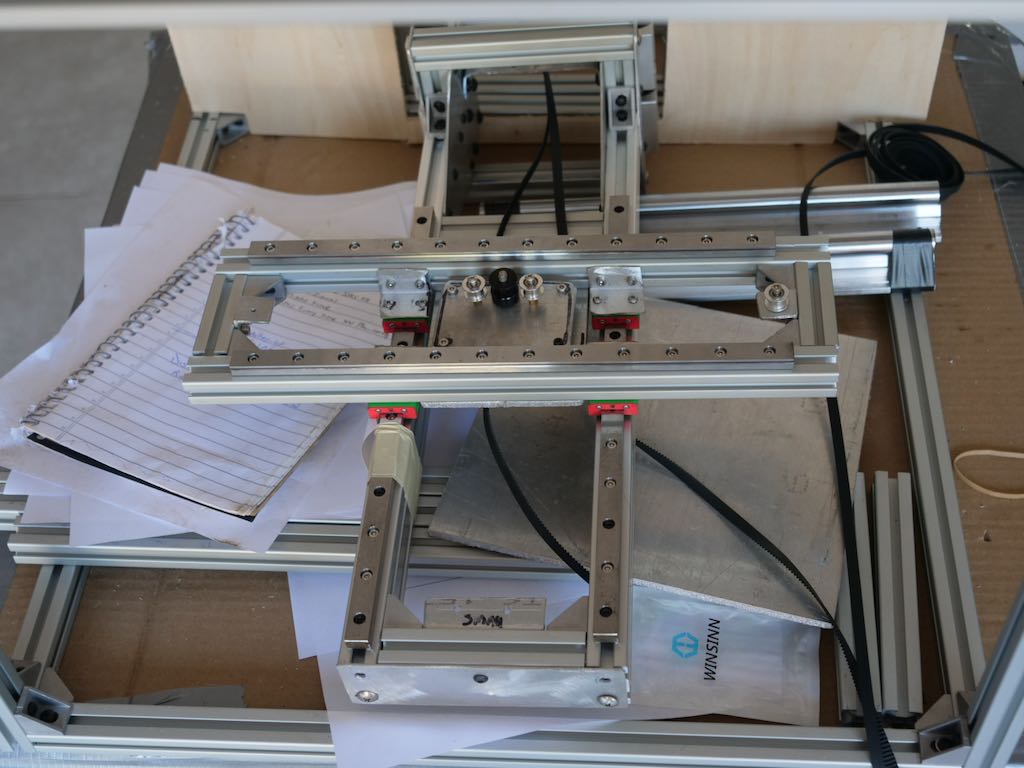
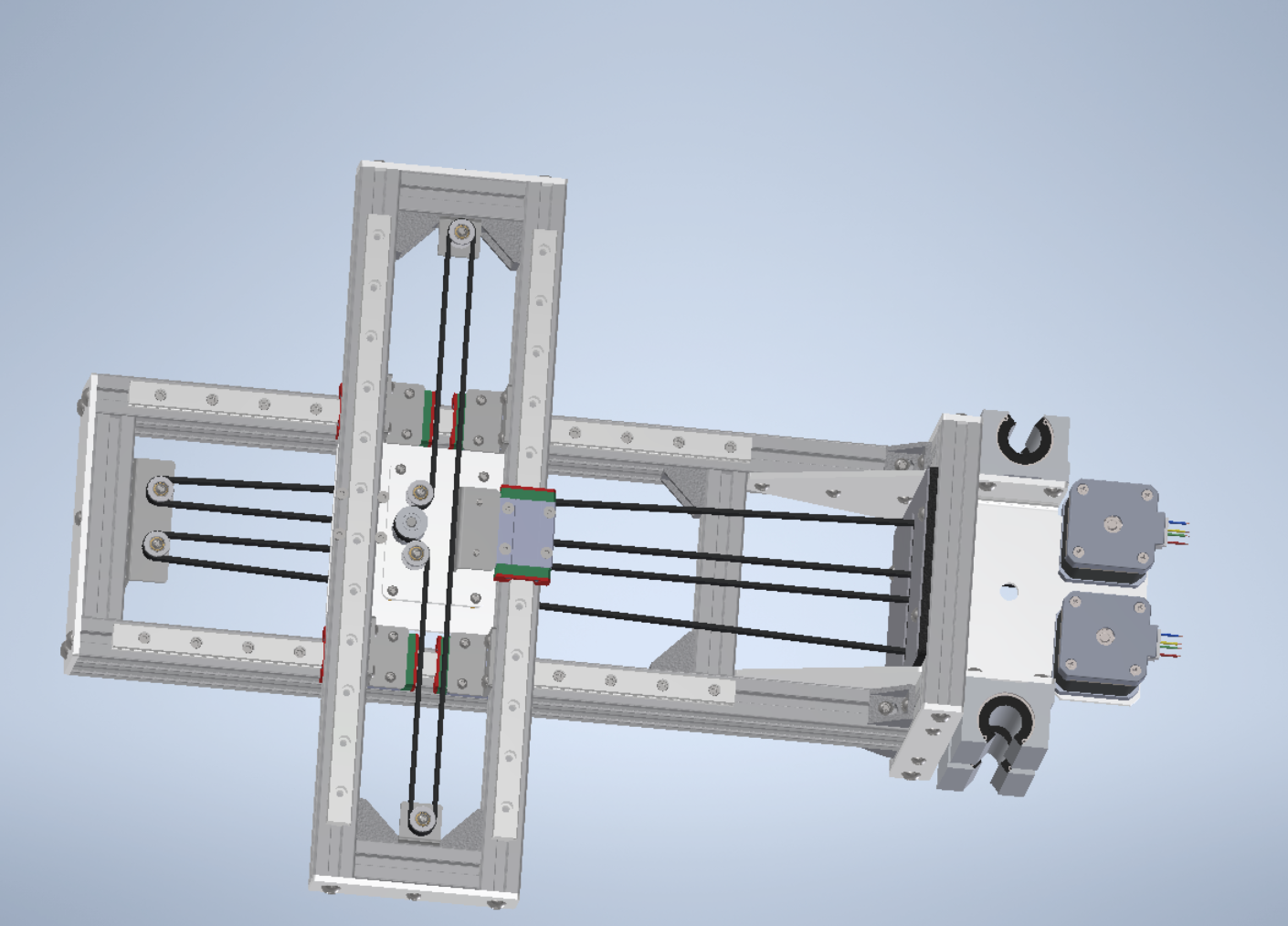
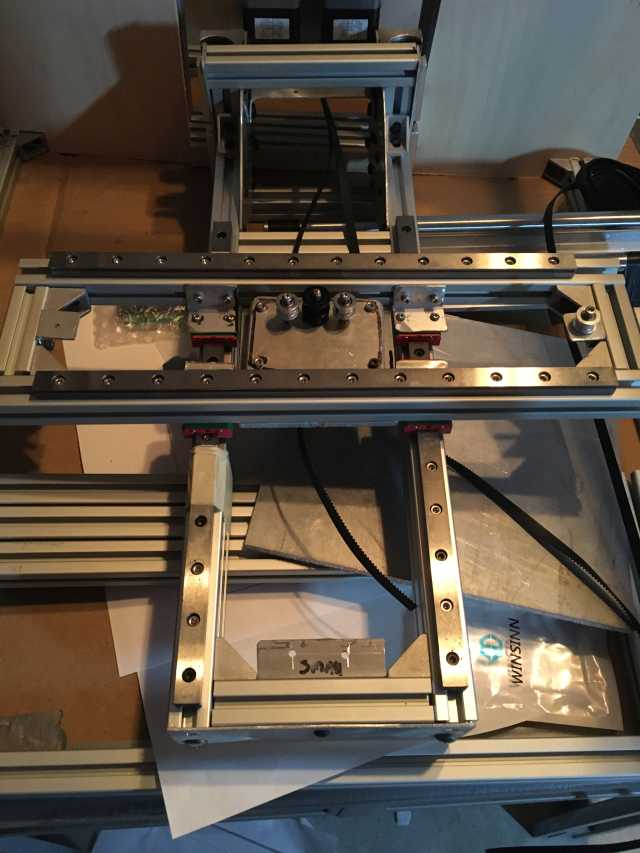
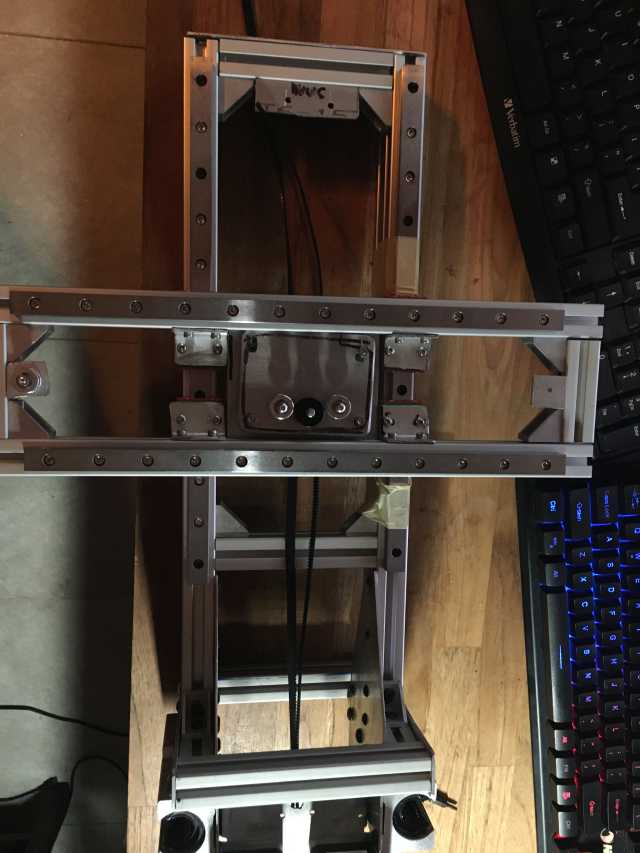
When I get this operational I will put together a build manual with high rez images. If you want more details or better images just ask. In this build process I am making changes to help in quicker builds. I am building separate components for spares and for mods. I am approaching this build as individual modules that can be removed and replaced quickly
These pictures are from the original builder and their process:
https://www.sciencedirect.com/science/article/pii/S2468067220300390
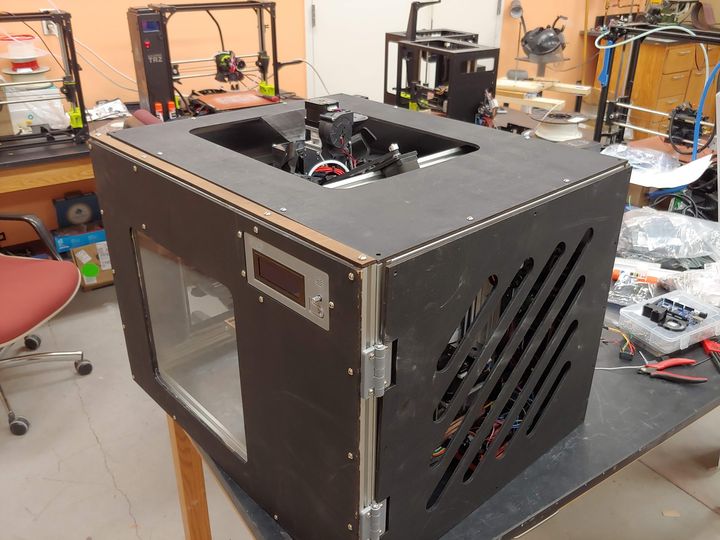
https://www.fabbaloo.com/blog/2020/9/28/open-source-high-temperature-reprap-3d-printer-announced
Today I start identifying the parts and start looking for materials. No China Build is the strategy
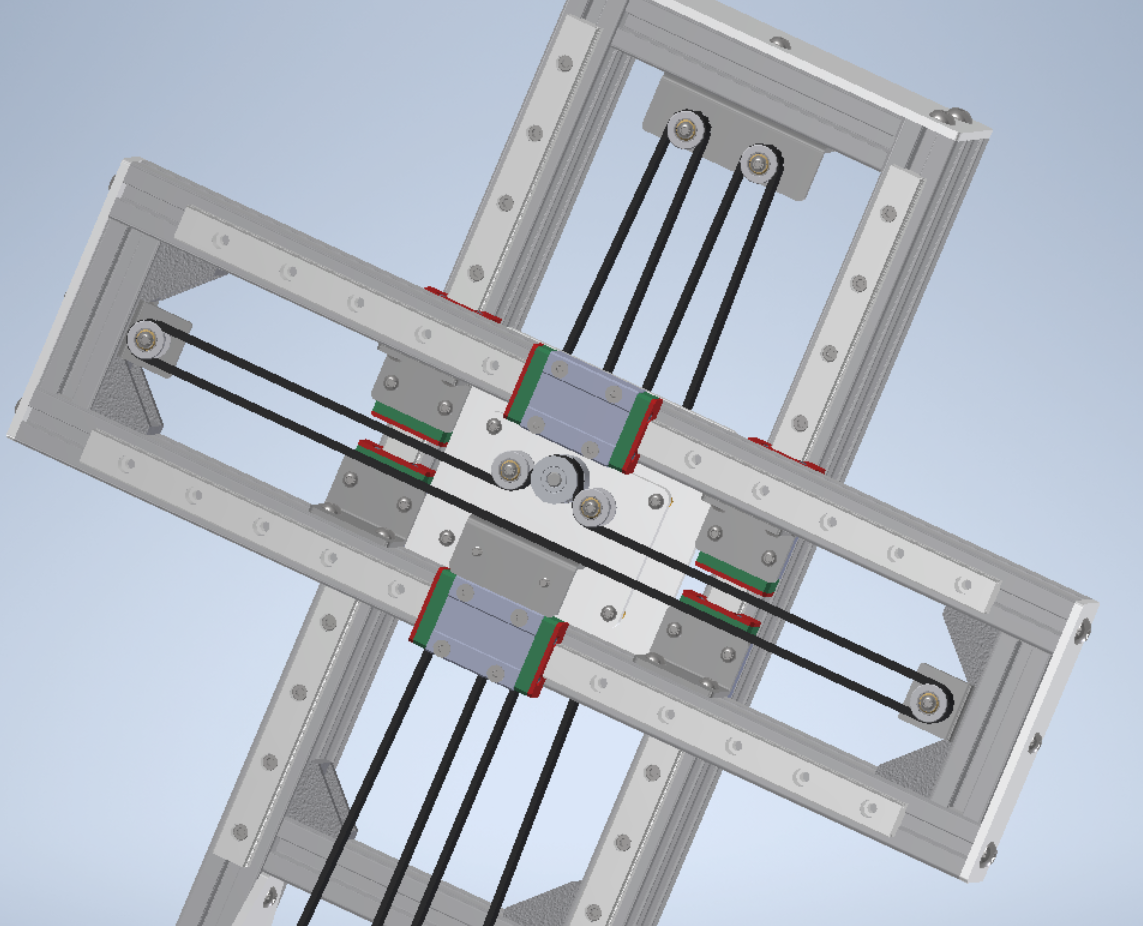
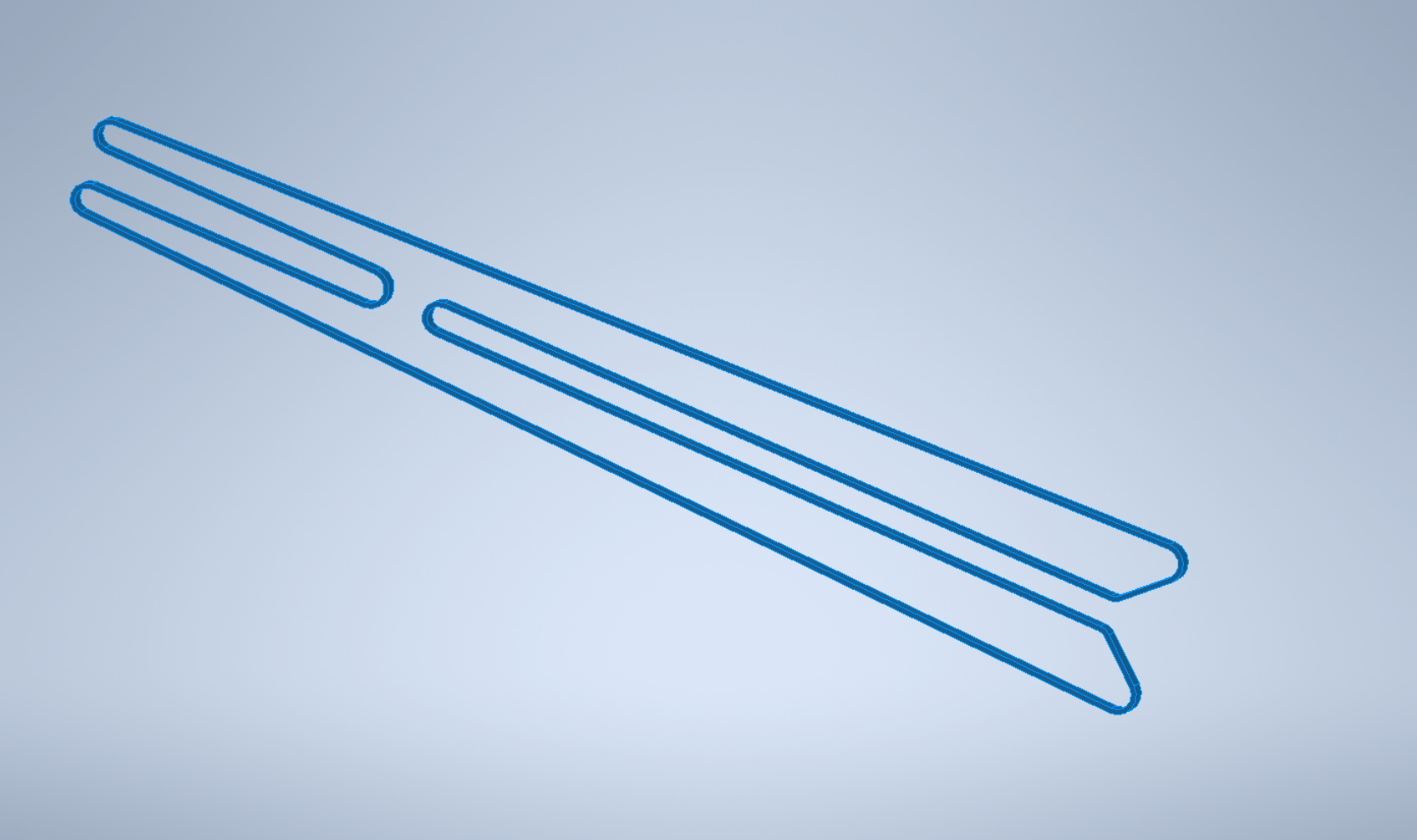
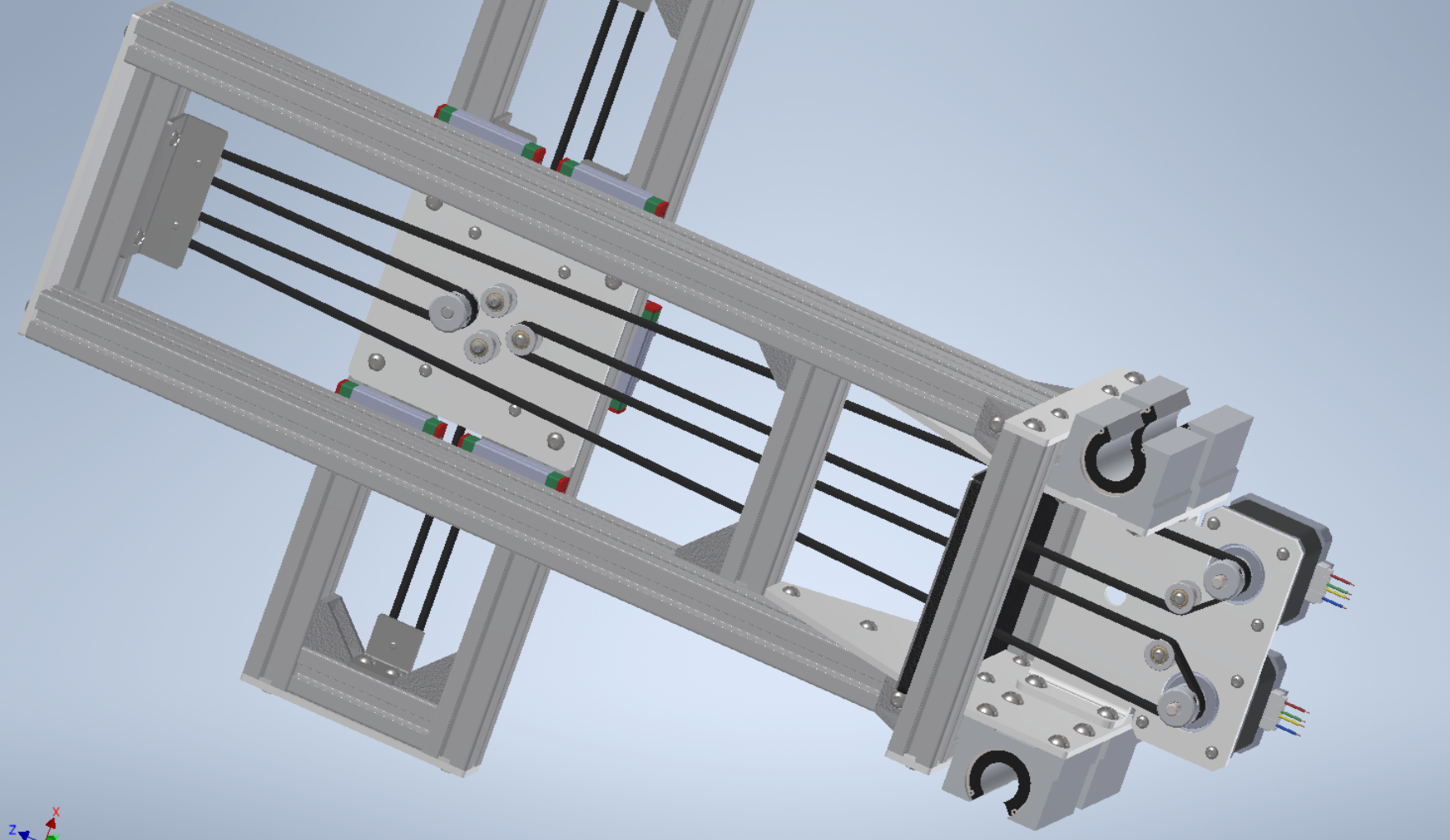
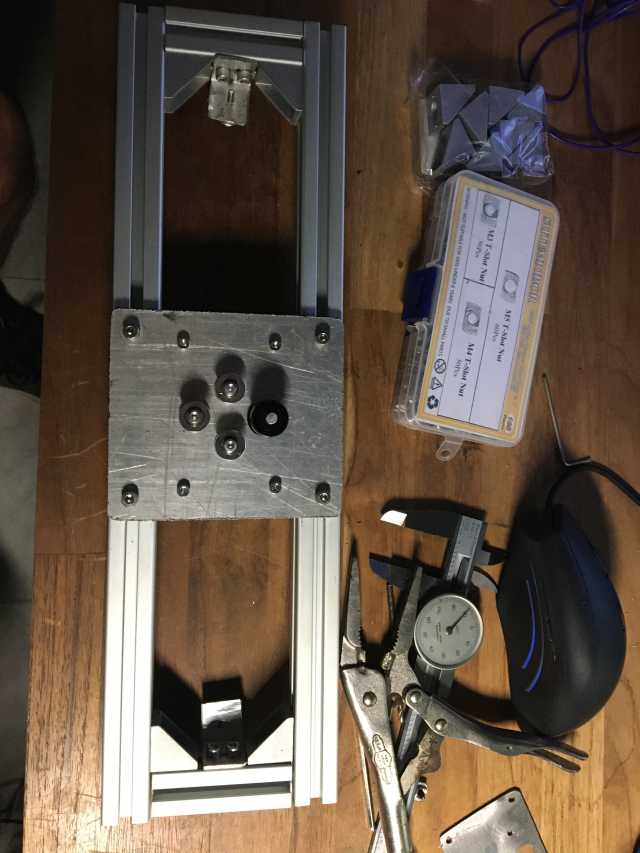
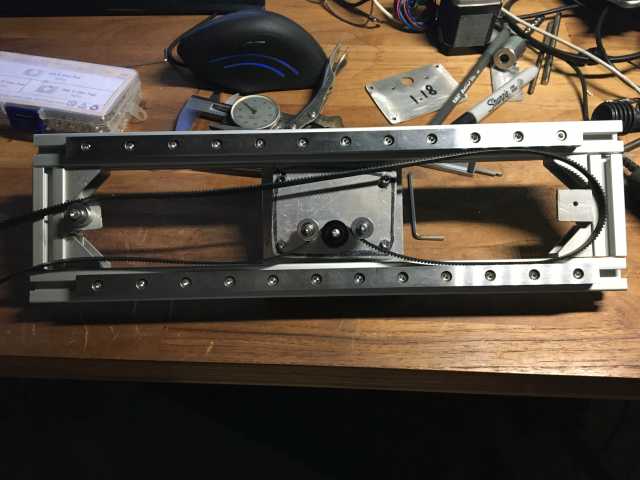
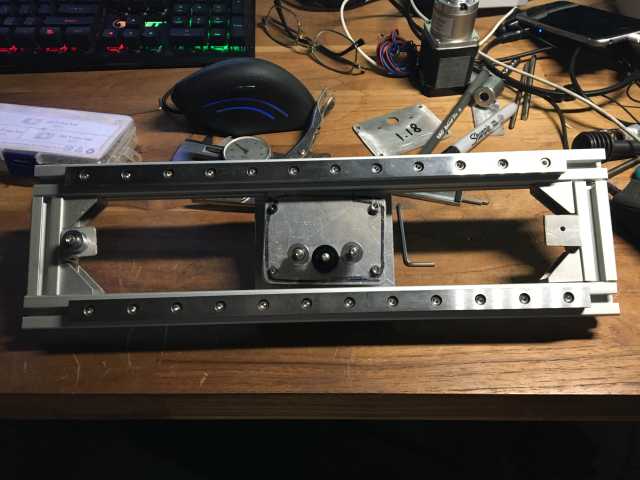
Things look a little rough because this is a first build. I'm still wondering about a few things and also learning
about others.
the wood file is all panels on one sheet and I cant get aspire to recognize all the elements
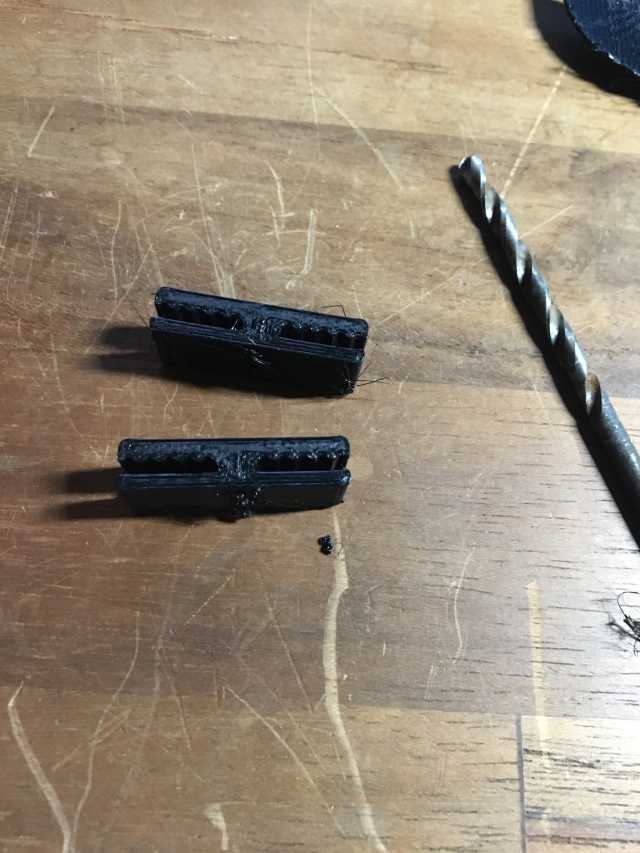
the belts are not sized so i'm trying to 3d print splicers
also the base plate I have didn't get the holes punched out so I have to make a template. My cad program for some reason will not print to the correct size and I want the holes in the base plate to be exact location
It is my intent to print all of these parts with the high temp printer using the materials that will allow
replacing the meta
l parts. True RepRap (develop a low-cost 3D printer that can print most of its own components)
This coupler printed pretty good, will try it
Getting ready to start assembling the screw nozzle, inserts are all over it
Tip #1 Heat set inserts
Using a soldering iron turned to 343 °C (650°F), press heat inserts into the plastic when told to do so in the instructions in the next section. It helps to use the side of the soldering iron. Do not insert the tip inside of the heat insert, it will get too hot, and the heat insert will come out when the iron is removed. Sometimes the inner hole may need to be drilled out with a small drill bit to clean out the plastic that melted into the hole. A properly placed heat insert is shown in Fig. 1 flush mounted in the 3-D printed part.

This is my first attempt at cutting 1 panel, converting it from autocad to aspire. The aspire file won't upload i will provide a link. the cut file is mach2/3 ARCS {in} after i attempt a cut I will update this
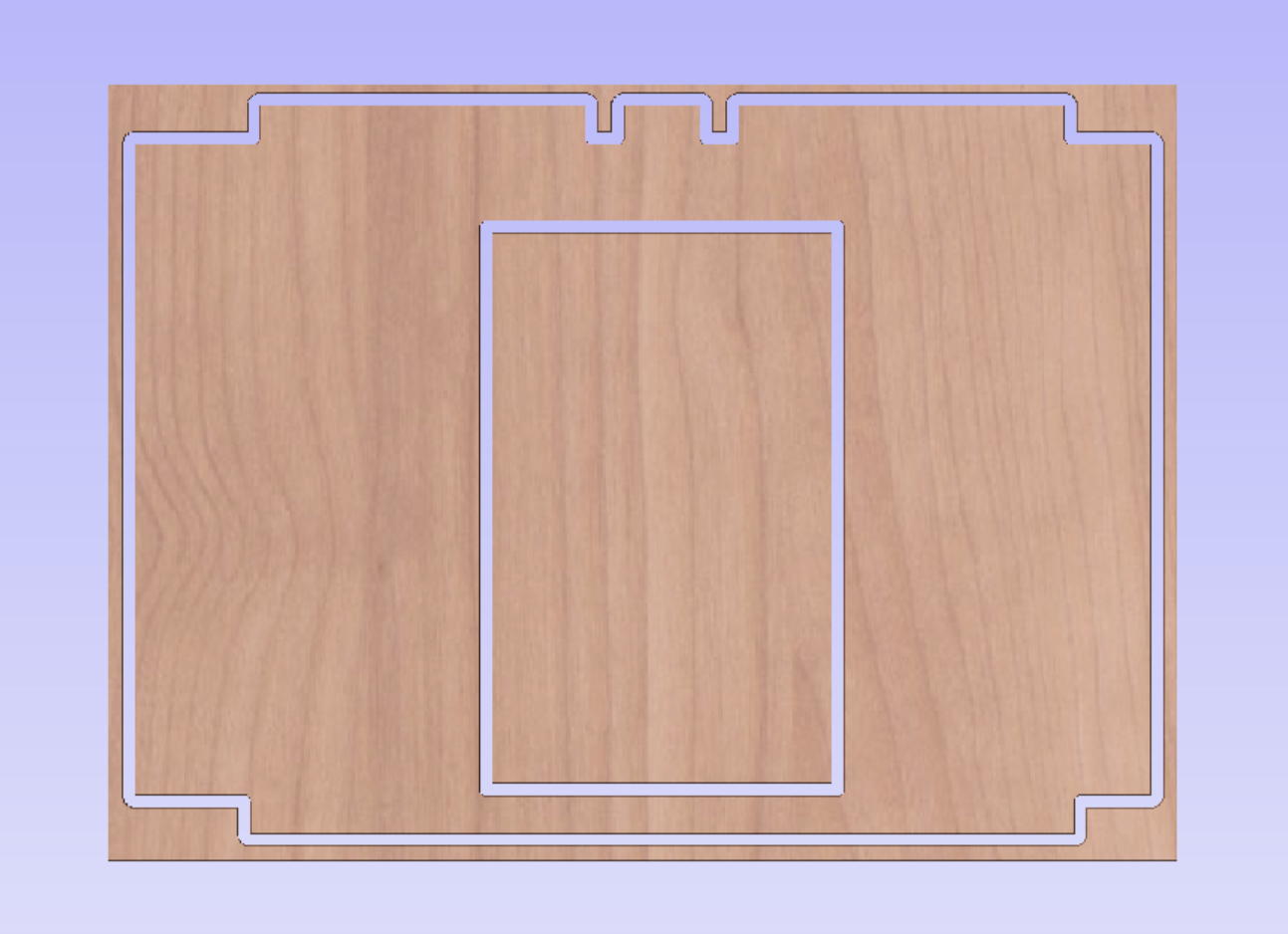
I found the individual files for each panel in documentation/references/dxf folder
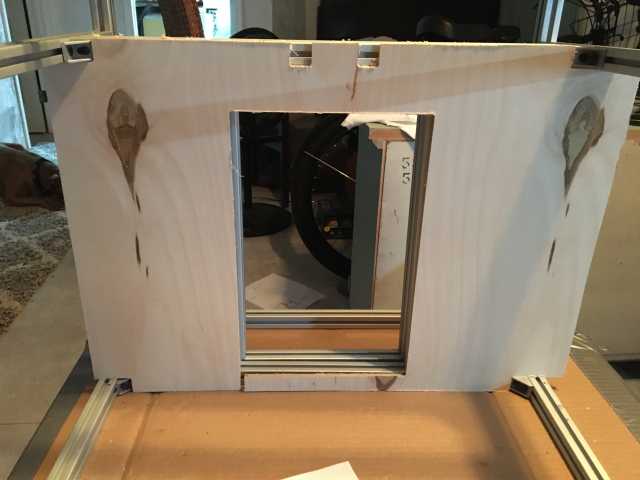
This is the cut, pretty tight fit. This is from aspire to uccnc
f