YAT Serial Terminal
YAT - Yet Another Terminal (Windows)
YAT is a user-friendly and feature-rich serial terminal. It features text as well as binary communication, predefined commands, a multiple-document user interface and lots of extras.
YAT is available to download at SourceForge.
Appearance
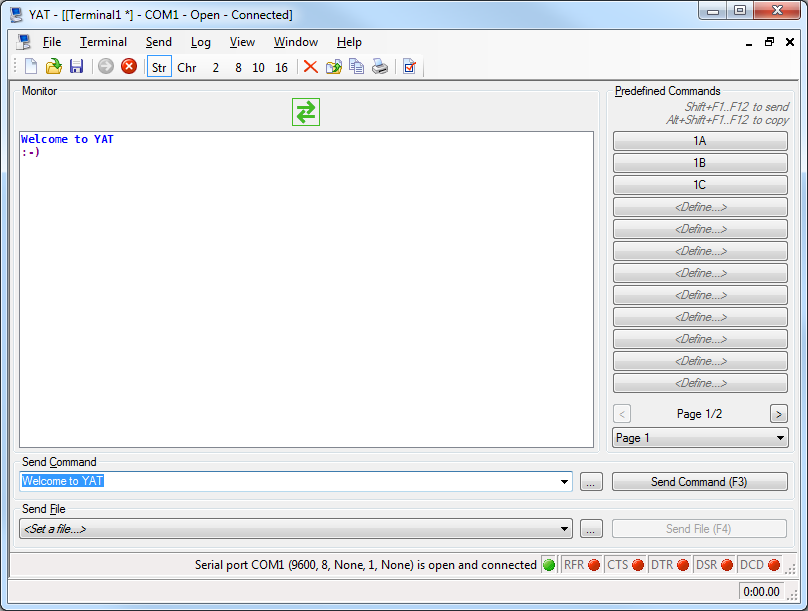
YAT features a multiple-document user interface (MDI) that consists of a single workspace with one or more terminals.
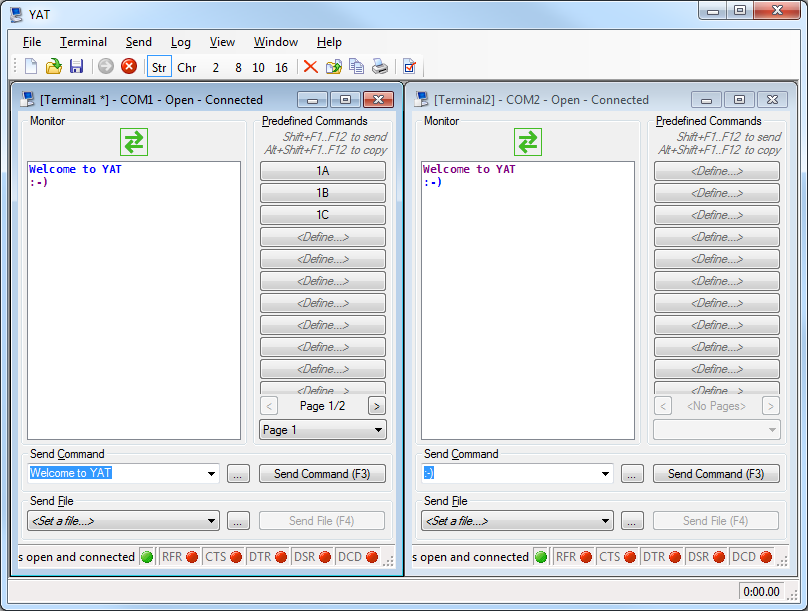
Each terminal can be configured according to the device it shall be communicating with. These extra features make a terminal especially easy to use:
- Text command console
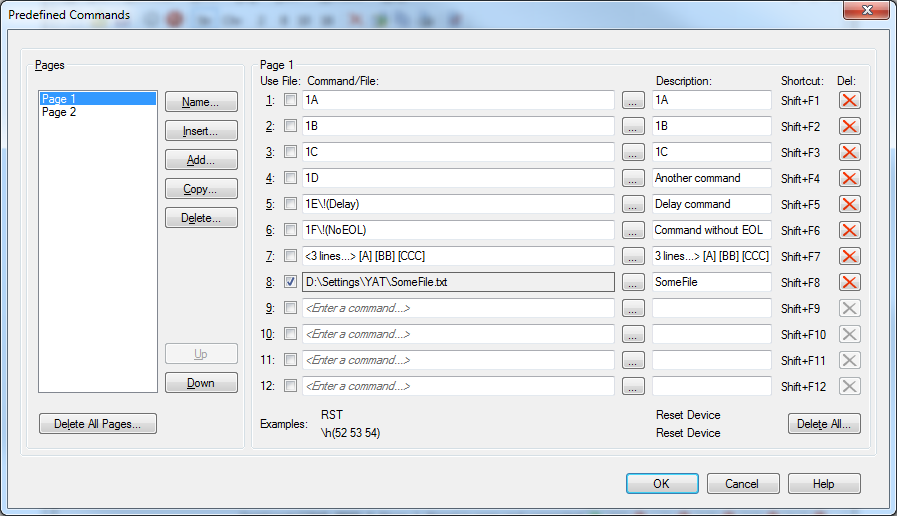
- File command list
- Unlimited number of predefined commands
- Drop-down of recent commands
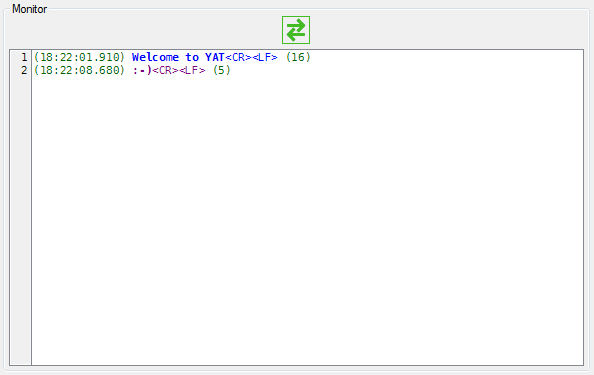
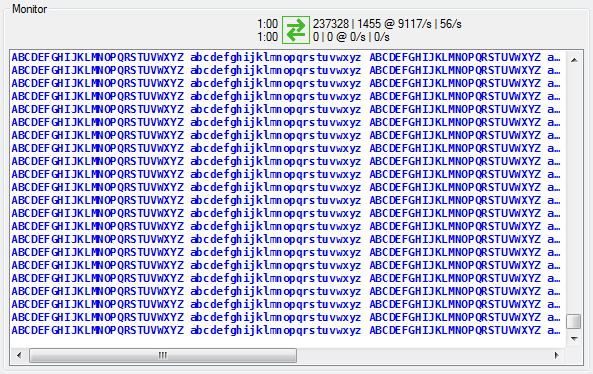
Each terminal has its own monitor to display outgoing and incoming data. The view can be configured as desired:
- Time stamp
- Line number
- End-of-line sequence
- Line length
- Line and bytes transmission rate
- Chronometer
Most of these features can be enabled and configured, or hidden for a cleaner and simpler user interface.
Terminal Settings
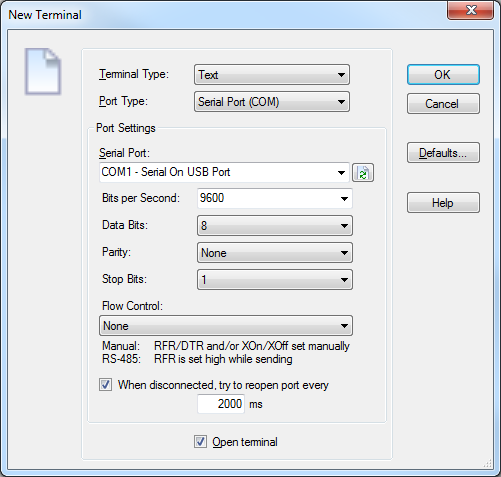
- Text or binary communication
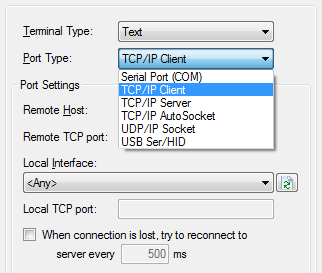
- Communication port type:
- Serial Port (COM)
- TCP/IP Client, Server or AutoSocket
- UDP/IP Socket
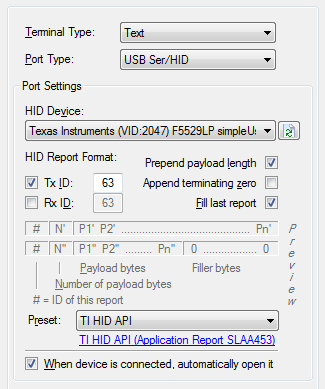
- USB serial HID
- Specifc settings depending on port type
Text Terminal Settings
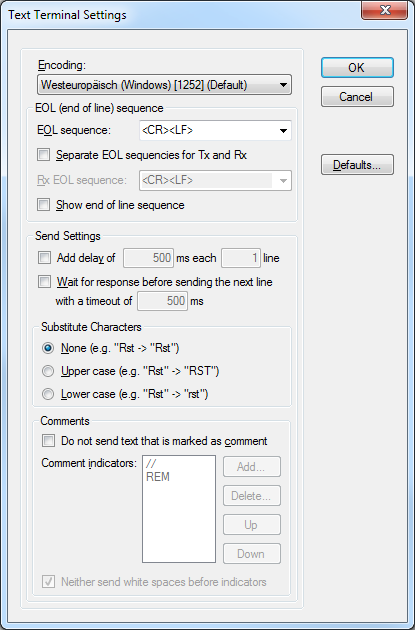
- Full support of any known ASCII and Unicode encoding
- End-of-line configuration
- Predefined and free-text sequences
- Possibility to define separate EOL for Tx and Rx
- Send and receive timing options
- Character substituion
- Comment exclusion
Binary Terminal Settings
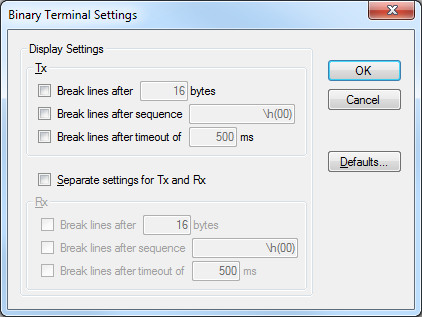
- Configuration of protocol and line representation
- Possibility to define separate settings for Tx and Rx
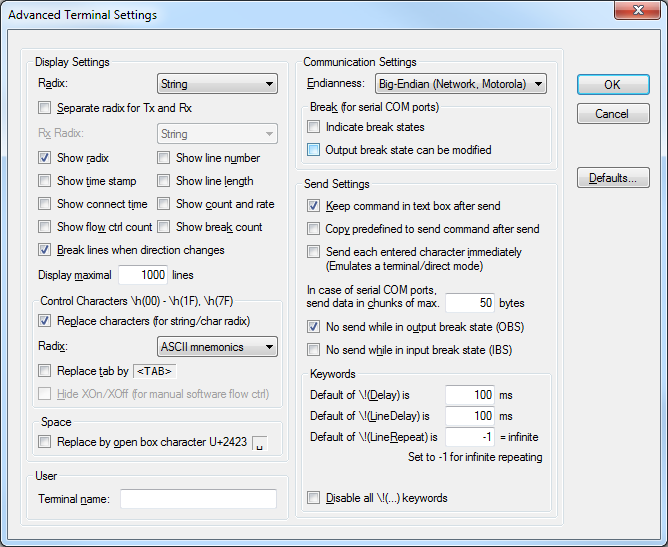
Advanced Settings
- Various display options
- Various advanced communication options
- Specialized communication options for serial ports (COM)
Extras
- Escapes for bin/oct/dec/hex like
\h(4F 4B) - Escapes for ASCII controls like
<CR><LF>as well as C-style\r\n - Special commands such as
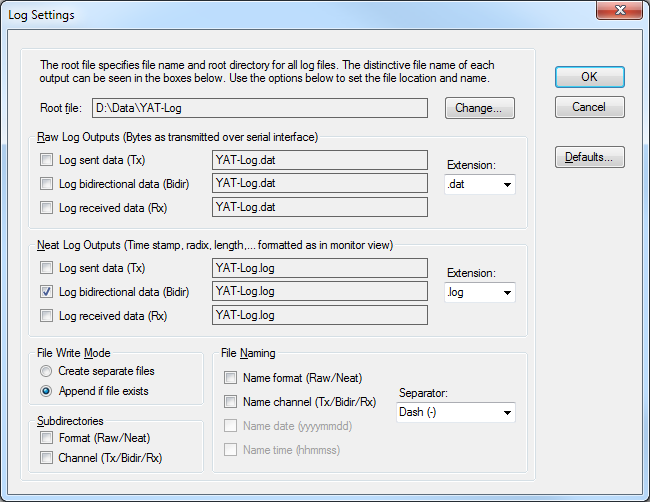
\!(Delay),\!(LineDelay)and\!(LineRepeat) - Versatile monitoring and logging of sent and received data
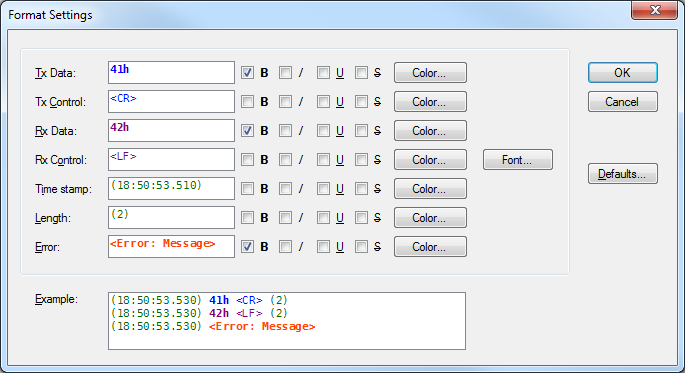
- Formatting options for excellent readability
- Powerful keyboard operation including shortcuts for the most important features
- Versatile shell/PowerShell command line
- x86 (32-bit) and x64 (64-bit) distribution