

I built a MPCNC last year. I was not successful in incorporating this machine into my shop. i encountered issues in the beginning printing pieces for the wrong size tubing, then purchasing carbon fiber tubes that were 1 in, because I couldn't find a tubing distributor that wouldn't charge me a custom order for 1 in.
The build was interesting but the machine function just sucked.
This is my 2nd attempt. maybe this new design will find it's way into my shop. Going to build smaller footprint this time
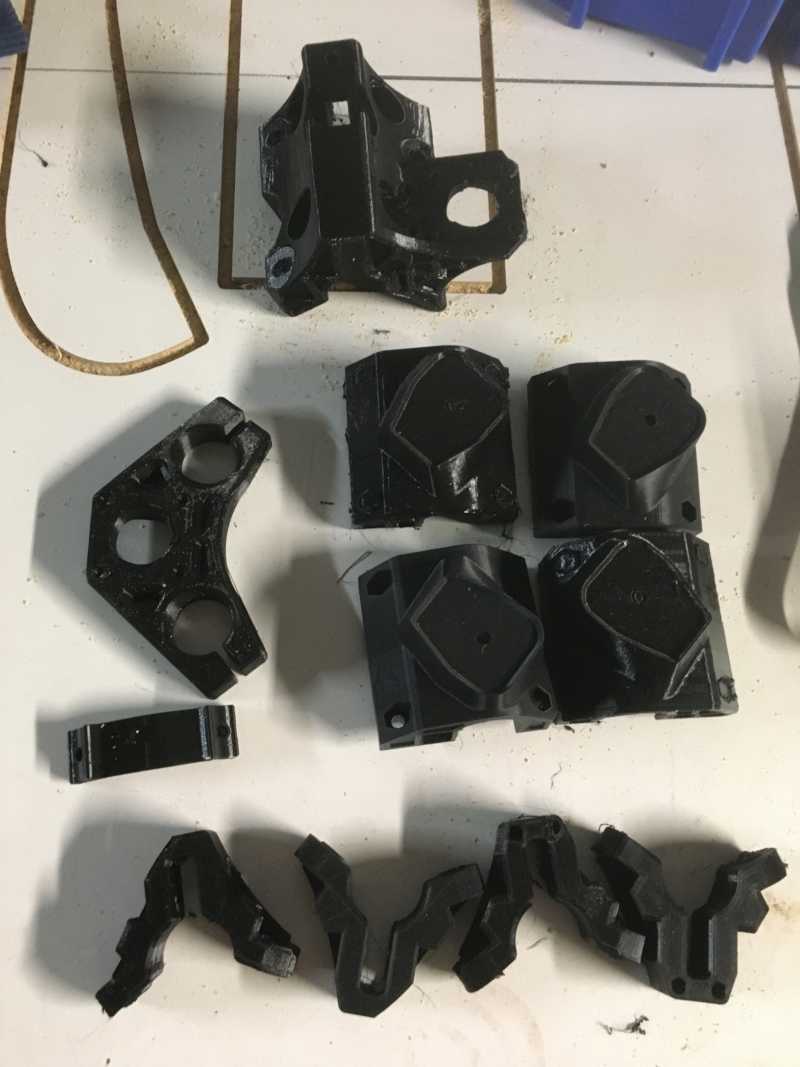
Printed pieces for 3/4 in conduit from s. florida hardware store
Almost there
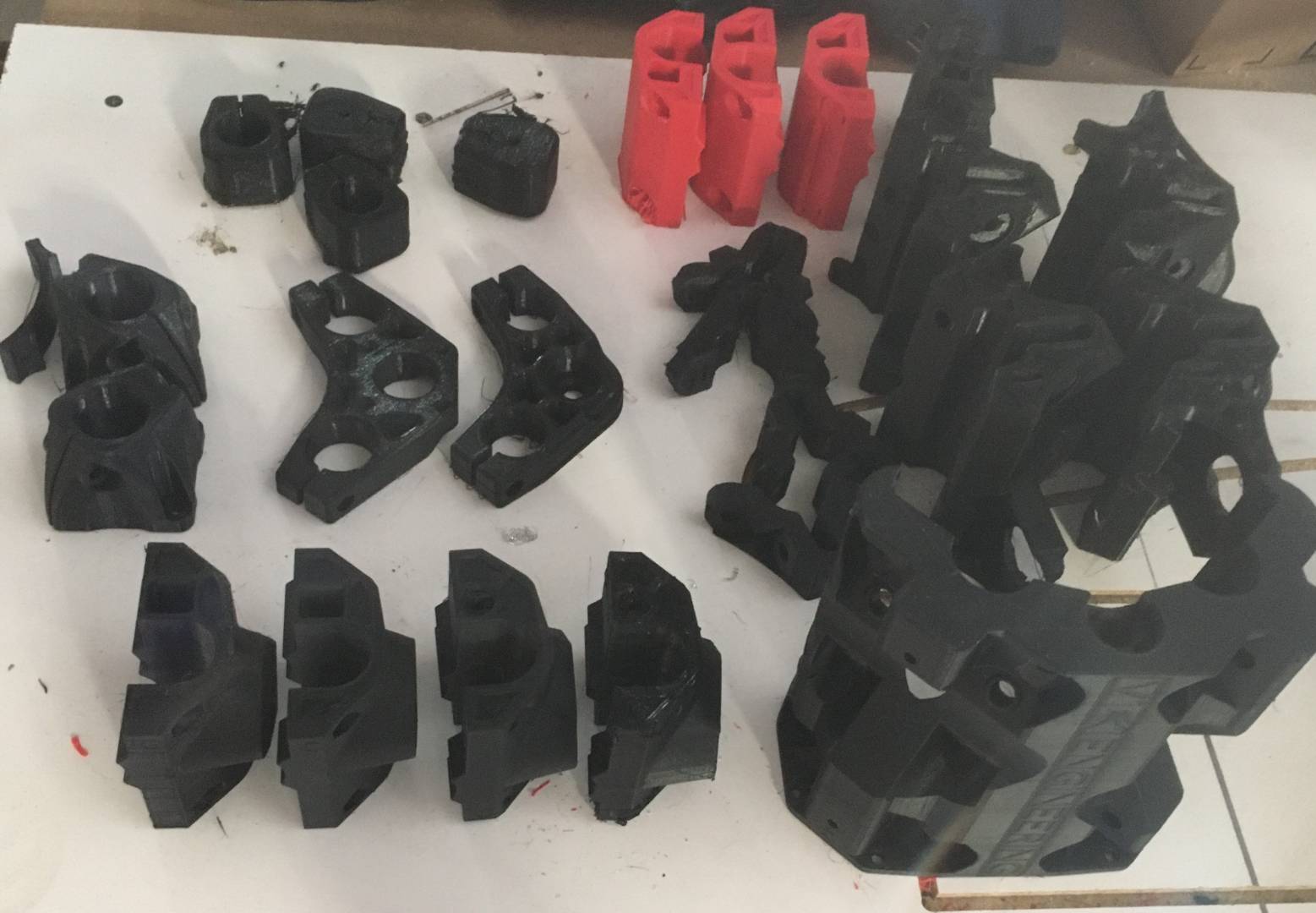

Starting to put the parts in a build bucket will use a duet wifi to control this
Notes:
I use Estlcam, works great just save the g-code, upload it using the Duet web interface and go for it! You can use marlin settings (and can even put duet in marlin compatibility mode) if you want. Right now I just use the “Default” setting in Estlcam and have some custom commands for doing a pause with a message for tool changes etc. but that’s going to get very specific to my machine. To be honest the g-code used by Estlcam is pretty strait forward and duet supports spindle commands (when in cnc mode), curves etc. I have not had any problems so far.
I even use z probing and have machine coordinate frame setup which has the advantage that software machine limits work correctly and you can set the work origin on the duet web interface, but my advice would be to start simple.
I don’t attempt to control the duet in real time from Estlcam. I use the duet web interface for that.