

Lets look at the Future of bus communications. The CAN network is now implemented in almost every network, cars-boats-machines, so you better get an understanding of what it is and the specifications
Identifing the CanBus and the varous standards
The key benefits of CAN bus
Simple & Low cost
ECUs communicate via a single CAN system instead of via direct complex analogue signal lines - reducing errors, weight, wiring and costs
Centralized
CAN bus supports centralized control over ECUs, it enables central diagnostics, data logging, and configuration.
Robust
The system is robust towards electric disturbances and electromagnetic interference-ideal for safety-critical applications (e.g. vehicles).
Efficient
CAN frames are prioritized by ID so that top priority data gets immediate bus access, without causing interruption of other frames or CAN errors.
History of CAN bus
Control Area Network (CAN bus) has a rich history and went through several development stages. The actual development stages within years can be seen below.
- • Development of the CAN bus goes back to 1983 when Bosch originally invented Control Area Network which was later codified into ISO 11898-1 standard.
- • The CAN protocol was later released to the Society of Automotive Engineers (SAE) in 1986.
- • Intel was the first one to introduce the CAN controller chips in 1987, and Phillips joined Intel shortly after that.
- • In 1991, Bosch published CAN 2.0 (CAN 2.0A: 11 bit, 2.0B: 29bit).
- • CAN bus as an international standard in ISO 11898, was adopted in 1993.
- • In 2003, ISO 11898 became a standard series.
- • In 2012, Bosch has released the CAN FD 1.0 - flexible data rate.
- • In 2015, the CAN FD protocol has become standardized in ISO 11898-1.
- • Lastly, the physical CAN layer up to 5Mbit/s has become standardized in ISO 11898-2, in 2016.
- • OBD2
OBD has a self-diagnostic capability that mostly mechanics use to analyze car issues and the overall health of the car. OBD2 determines trouble codes (DTCs) and real-time data (RPM, speed, etc) that can be recorded through OBD2 loggers.
- • CANopen
CANopen is typically used in embedded control applications such as industrial automation and is based on a CAN meaning that the CAN bus data logger is also capable to log CANopen data.
- • CAN FD
CAN FD is essentially a CAN bus with a flexible data rate and an extension of the classical CAN data link layer. In comparison with classical CAN protocol, CAN FD increases the payload from 8 to 64 bytes. It also allows a higher data bit rate, depending on the CAN transceiver.
- • SAE J1939
J1939 is commonly used in heavy-duty vehicles. J1939 parameters such as RPM and speed are analyzed by a suspect parameter number (SPN). Afterward, they are grouped into parameter groups and classified by a PG number (PGN).
A high-speed transfer data rate offers DoIP diagnostics, more precisely approximately 100 times of CAN diagnosis.
We are gathering components to complete kits that will enable you to have everything required to learn and use the CAN protocol as a basic step to understanding the structure and components involved
- The CAN standard does not specify how to handle messages larger than 8 bytes or how to decode the raw data. Therefore, a set of standardized protocols are developed to further specify how data is communicated between ECUs of a given network and OBD2 is one of them but there are others. We will explore the relevent ones depending on our objective. Automotive is not that, we are more concerned at using this method of control with machines and robots.
start reading here https://www.seeedstudio.com/blog/2019/11/27/introduction-to-can-bus-and-how-to-use-it-with-arduino/
https://www.can-cia.org/canopen/
Our first dive into a physical build starts here with SEeEDStudio canbus V2 board
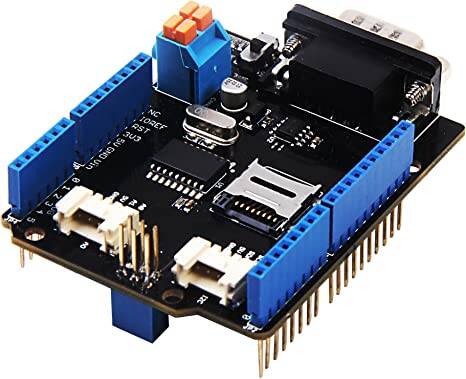
This is an amzon purchase, a couple reviews but this seeed outfit seems like the have some support.
This is not a high performance setup we are building, this is about getting an Arduino UNO (ATmega328) or Arduino Mega (ATmega1280/2560) functioning with a can bus shield. Then setting up a circuit , getting the canbus signal transmitting and recieving
Because I am cheep I always look for a deal, because this is about learning the canbus protocol I went with china crap for the build, I hope i doont regret it, it happens though, time is lost using poor manufactured stuff and even finding fake but amazon is good about returns
I didn't want the project to get to expensive but also wanted it to NOT FAIL
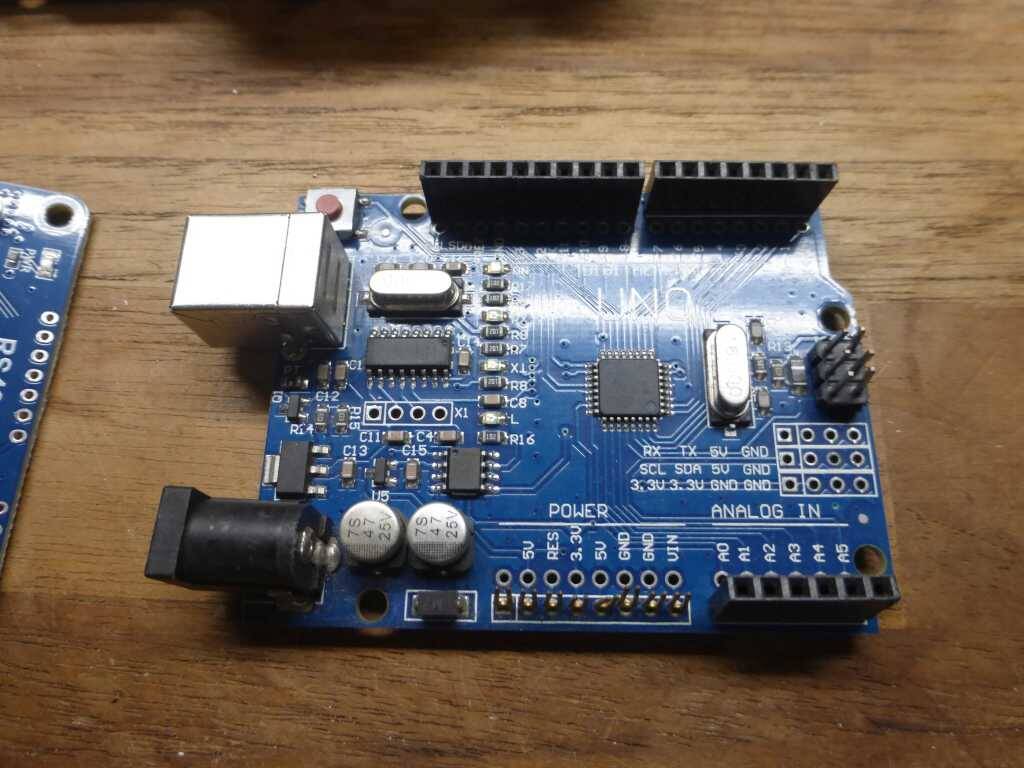
this is the other boards
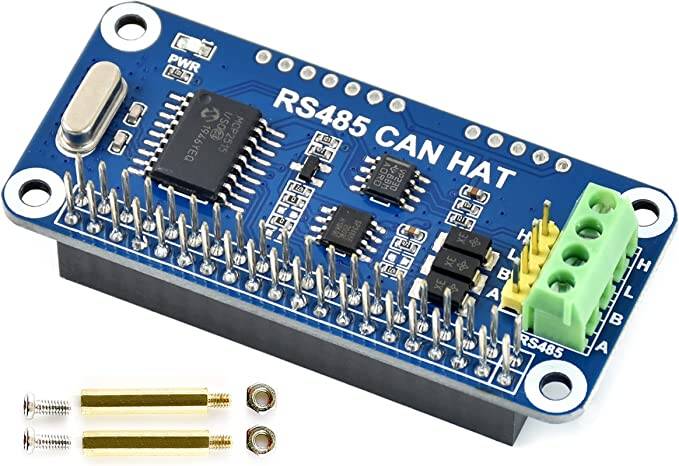
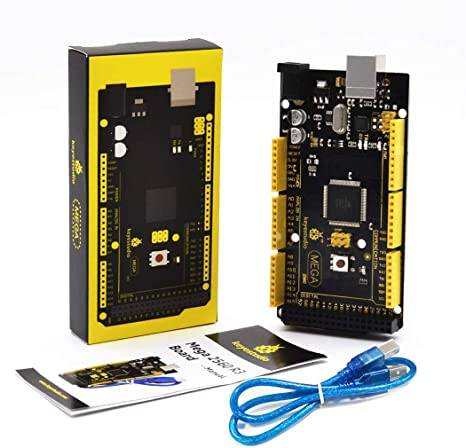
This PDF is the CAN Chip 2525 spec sheet Stand-Alone CAN Controller with SPI Interface
Getting some of this information in the brain will help to better understand the protocol and also the develpmnet of this system.
***it is the objective to learn some canbus and actually transmit and recieve data. Some guys are using this shield to communicate with their cars.
As this projects kicks off i will have alot of links to different forums and manufactures to get as much info as possible
Here is a review of the seed can shield to get an idea of what is up: A guy setting up the shield to get data from OBD2
I'm pretty inexperienced with Arduino and CAN, but I had this up and running and pulling data from a GMLAN bus (OBD2-CAN) within an hour. I had no luck with the Seeed libraries, the code is beyond my understanding and the examples don't compile. I got it working with the sandeepmistry OBD2 library after changing CS pin from 9 to 10 by cutting/soldering the pads on the bottom of the board. Loaded the example code and Bam! it's receiving ECU/engine data.
Minus one star because the DB9 connector shorts out on the standard UNO USB connector. Clearly was designed for Seeeduino's own board.
The beginning: Gathering info links and research
These are arduino setup files for the shield and also some random stuff I found. Some are ODB2 hacks, this is not the objective here to start with.
1 objective setup to arduino boards and have them send and recieve can between each
https://wiki.seeedstudio.com/CAN-BUS_Shield_V2.0/
https://www.instructables.com/Hack-your-vehicle-CAN-BUS-with-Arduino-and-Seeed-C/
https://jeepjkcanbus.blogspot.com/2014/04/martins-can-bus-sniffer-tool-v10.html
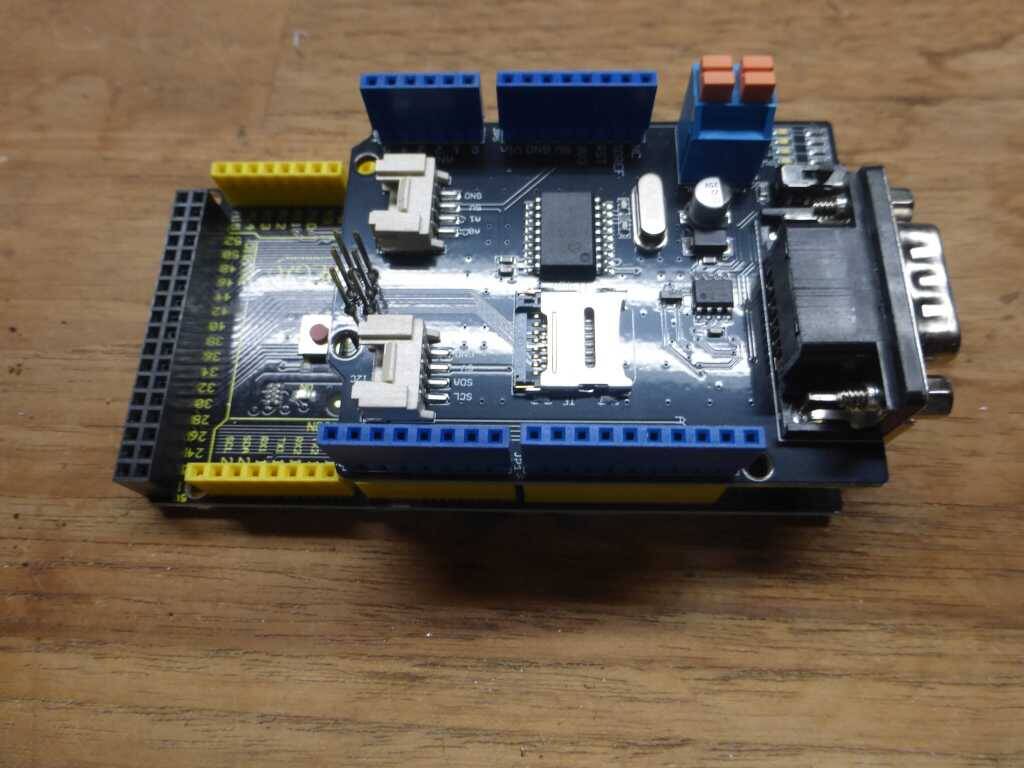
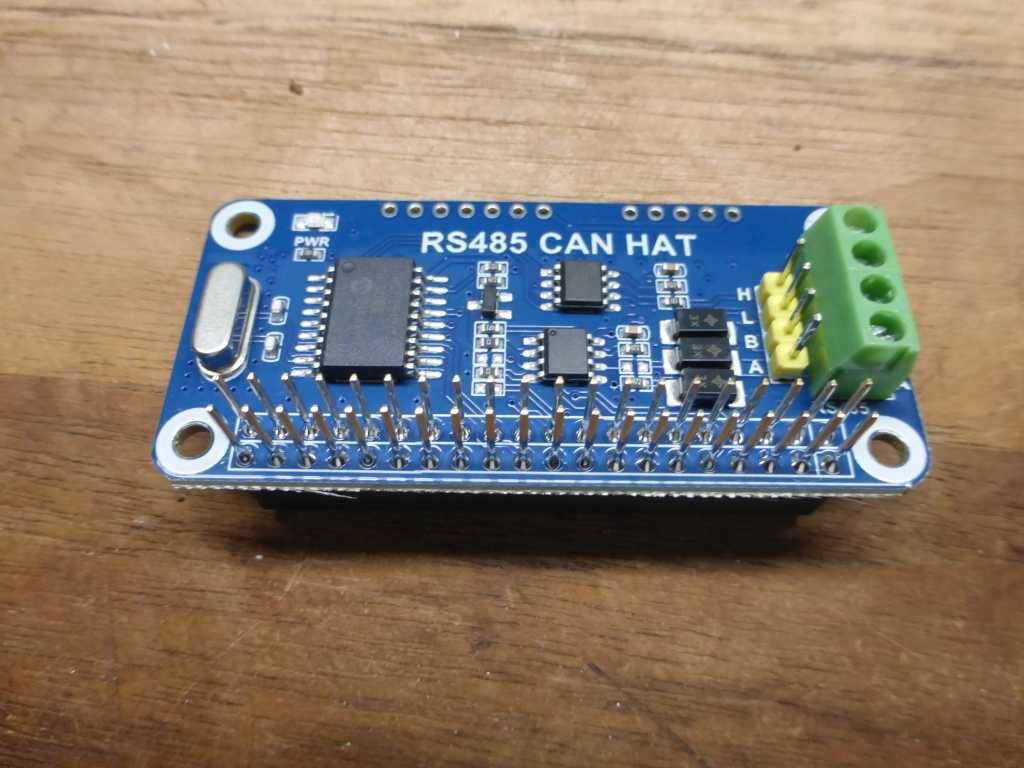
https://www.waveshare.com/wiki/RS485_CAN_HAT
https://www.waveshare.com/wiki/Libraries_Installation_for_RPi

https://www.beyondlogic.org/adding-can-controller-area-network-to-the-raspberry-pi/
The instructions below explain which software and in what order to install for proper operation
This was a fail, the requirements for this install are pi4
raspberry pi3 b install the os https://www.pragmaticlinux.com/2020/11/install-the-xfce-desktop-on-your-raspberry-pi/
setting up the can shield https://www.pragmaticlinux.com/2021/10/can-communication-on-the-raspberry-pi-with-socketcan/
This is for the serial canbus setup
https://docs.longan-labs.cc/1030001/
I was able to get the keystudio mega with the CAN-BUS Shield V2 working, next is getting the can bus wired to another can device and transmit data
I have purchased several canbus boards to check them out and learn what are the specs and how they work
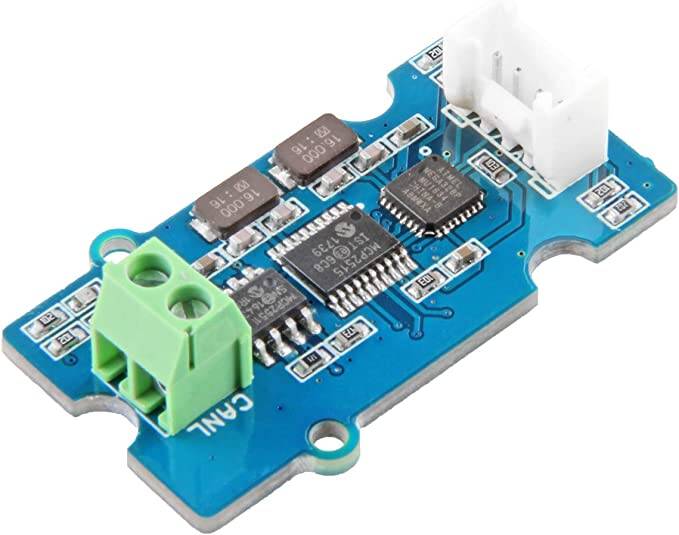
I have a working serial canbus adapter. I setup using a uno and
seeed studio Serial CAN-Bus
Module Based on MCP2551 and MCP2515
It's not the waveshare hat, this one I got some better info on the arduino ide setup
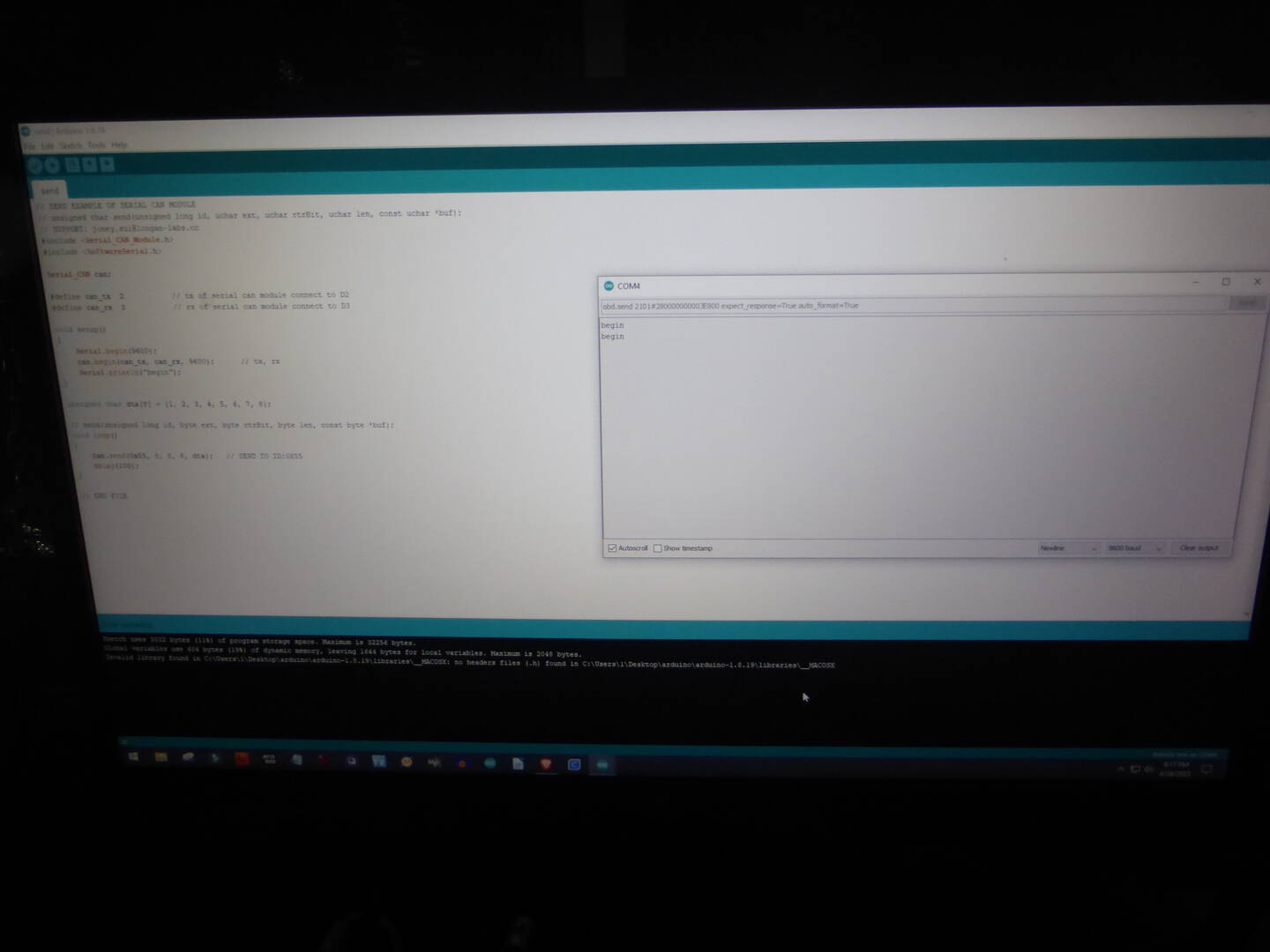
I was successful getting the IDE setup and actually talking to the can adapter
The arduion serial monitor showed the unit was setup but now I need to get an understanding of what to send and receive
NOTES:
protocol consist of two wires namely CAN_H and CAN_L to send and receive information. Both the wires acts as a differential line, meaning the CAN signal (0 or 1) is represented by the potential difference between CAN_L and CAN_H. If the difference is positive and larger than a certain minimum voltage then it is 1 and if the difference is negative it is a 0.
Normally a twisted pair cable is used for CAN communication. A single 120-ohm resistor is generally used at the two ends of the CAN network as shown in image, this is because the line needs to be balanced and tied to same potential.
NEXT: setup a second can and wire them together. the second Iwill attempt with the ver2 board and the yellow arduino
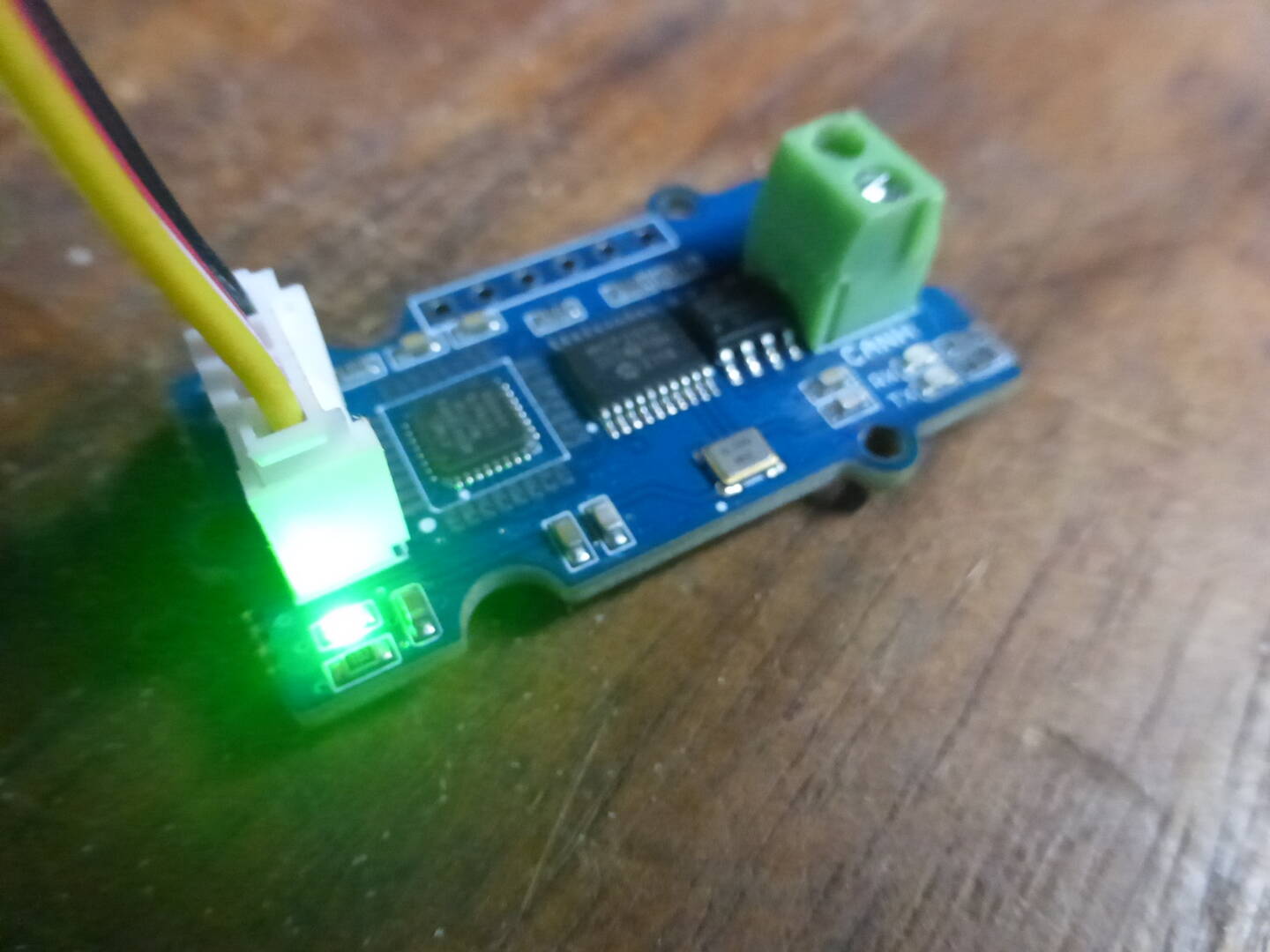
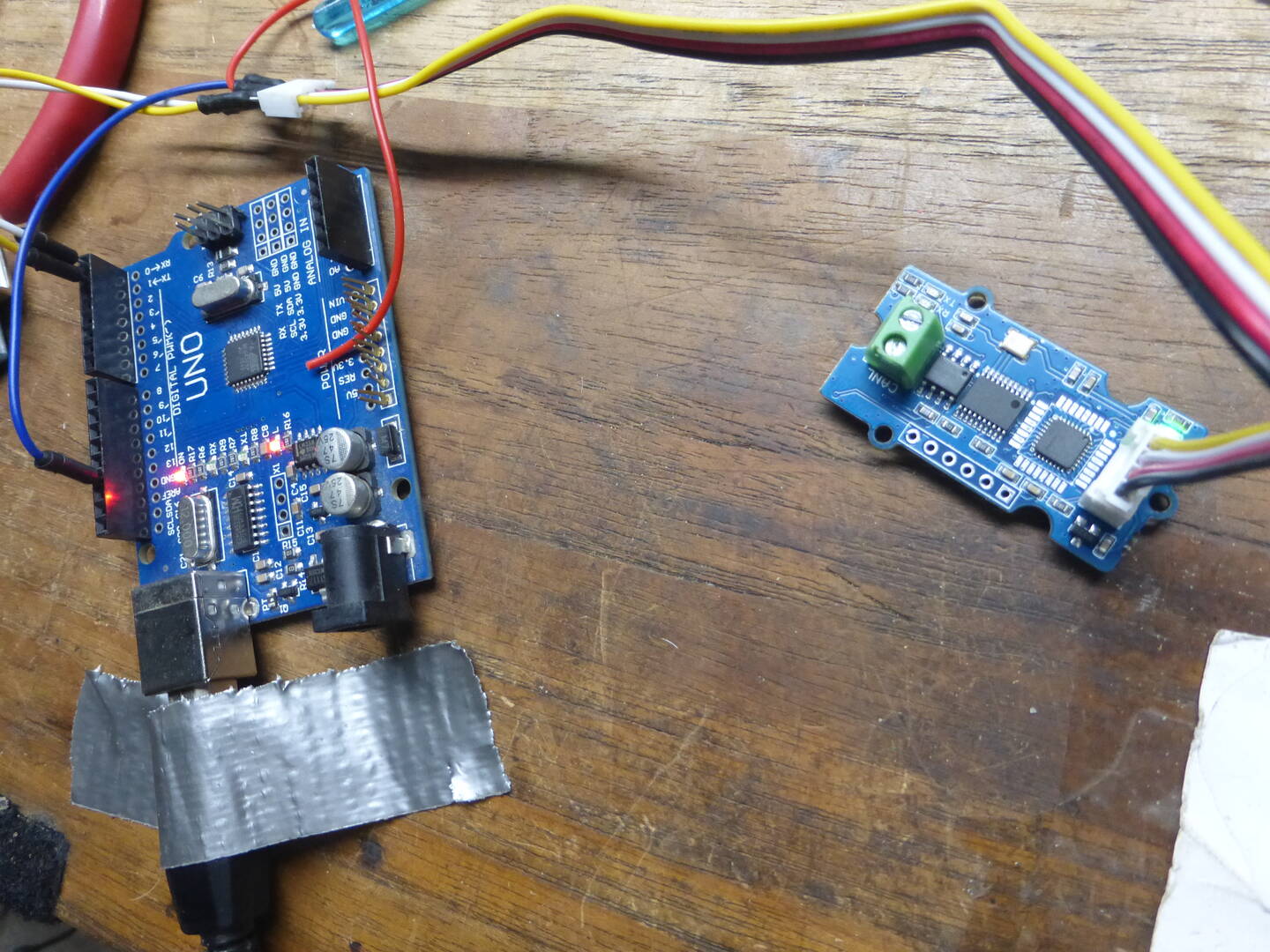
You have to solder the P1 to terminate the canbus