

Continued from part one to identify a working solution process
identify the hardware,software, Linux setup, drivers and frustration calming process to complete a bus
Setting up a single node
i-PCAN USB to CAN Adapter Compatible Original PEAK IPEH-002022 Support INCA This is a China clone of the peak developed unit. Of course we would prefer to use the original but for learning and verification of it's ability to function we went with the Cheap version.
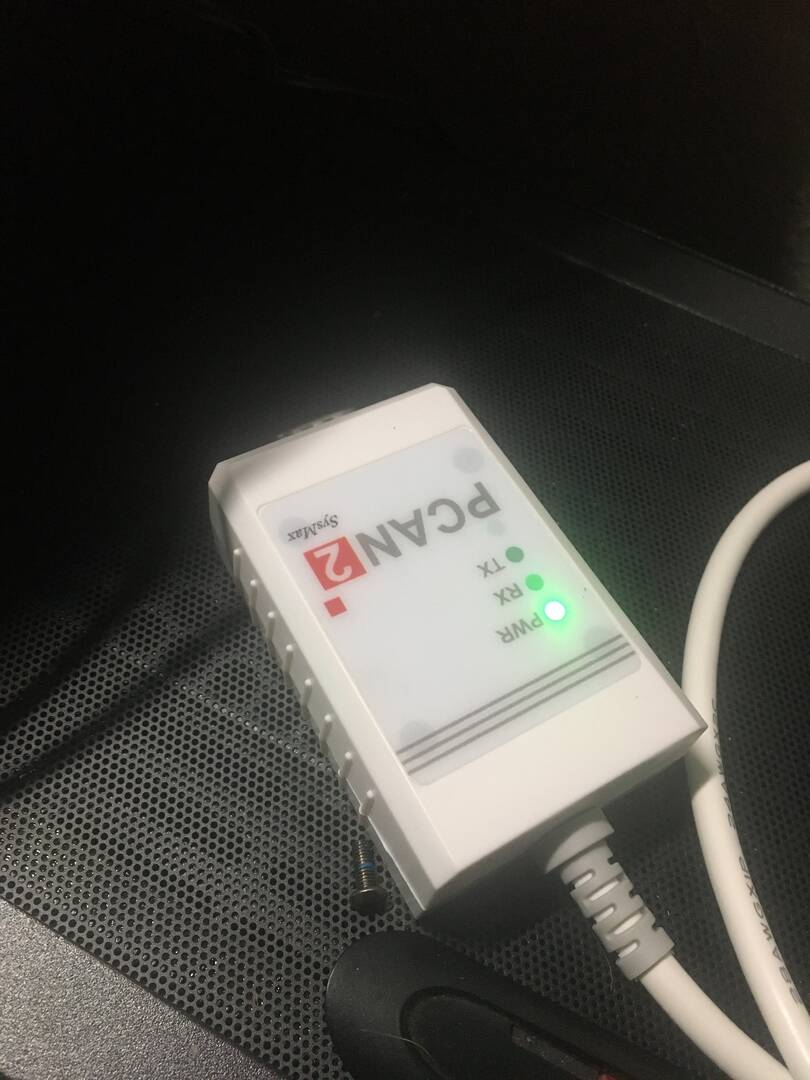
So far I have been unable to get Linux to operate a canbus to serial adapter. This is the most promising because it has a large support base, that is for the peak devices and this unit is supposed to be compatible, Peak has a few lite versions of their programs that are free so this is where we are hoping to begin, So far all the available canbus interfaces have failed to install and operate
Installing the Pcan View was not without issue, the peak instructions say the driver for their device is part of Linux as default and the Linux lsusb shows the device.
working.....
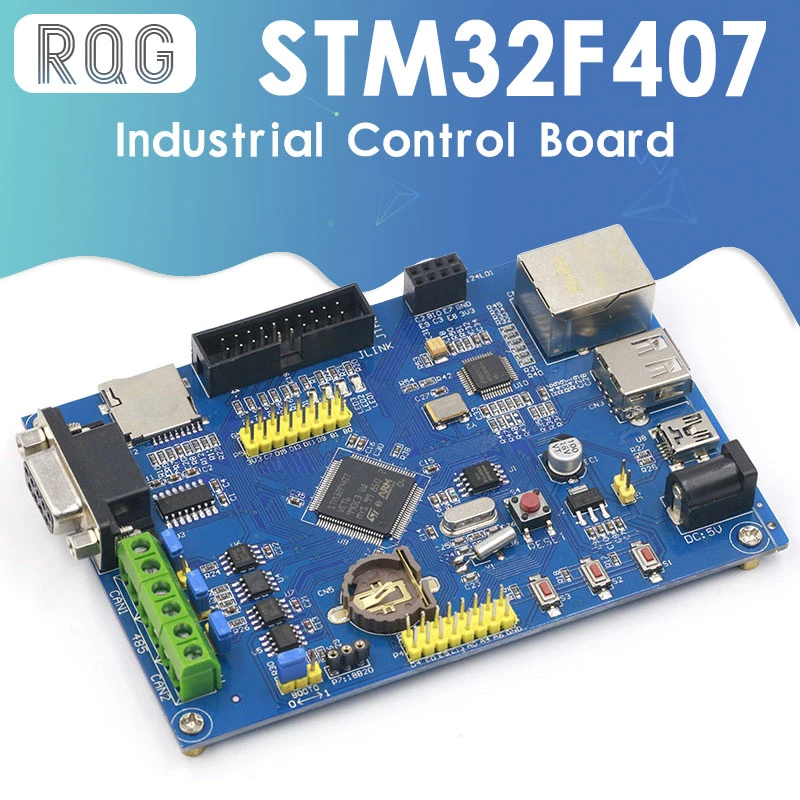
This is the kinda Bull shit you run into getting started, not just getting started with Arduino but with other boards as well. This POS all in one industrial board is available from many manufactures (i say that laughing) at prices ranging from 18 bucks to 65 and they are all without any support and no printed materials either. Reading posts from purchasers exposes the frustration some even highlighting defects as new, poor designing. These China Shit components will not work and you will waiste alot of time thinking you will get them to. These are only intended to get your cash and get you frustrated to quit.
The STM IDE wont work either
attempt #2
Arduino
seeed studio
![IMG 0291[1]](https://forumla.us/wp-content/uploads/wpforo/attachments/1/734-IMG02911.JPG "IMG 0291[1]")
![IMG 0292[1]](https://forumla.us/wp-content/uploads/wpforo/attachments/1/735-IMG02921.JPG "IMG 0292[1]")
Making some progress.
I was not able to get the usb can adapter to work with mint. I tried to follow their instructions, dont install drivers they are built in linux, but if your using another can app you need to install them and uninstall the other, plus I was never able to get PCan-view to open
BUT
windows did install the drivers provided by PEAK and did recignise the adapter when the pcanview app launched AND
I was able to get arduino Ide to load and see the seeed can adapter. there was this issue
Avrdude ser_open() can’t open device /dev/ttyacm0 permission denied
The fix was:
Open Terminal and type:
ls -l /dev/ttyACM*
you will get something like:
crw-rw---- 1 root dialout 188, 0 5 apr 23.01 ttyACM0
The “0” at the end of ACM might be a different number for you, or multiple entries might be returned. The data we need is “dialout”. The “dialout” is the group which own the file/usb ( Since everything in linux is a file ).
Now we just need to add our user to this “dailout” group. For this use the below code,
sudo usermod -a -G dialout $USER
Note: You will need to log out and log in again for this change to take effect.
I just used the $USER and it worked
I was not able to transmit and receive It appeared I was transmitting from the arduino, it showed on the serial monitor but no recieve or transmit between the 2 devices
I still have to now determine the units are speaking the same setup settings but this is promising except the linux system always has to be a bitch, I guess I just dont have the OS figured out enough to be productive
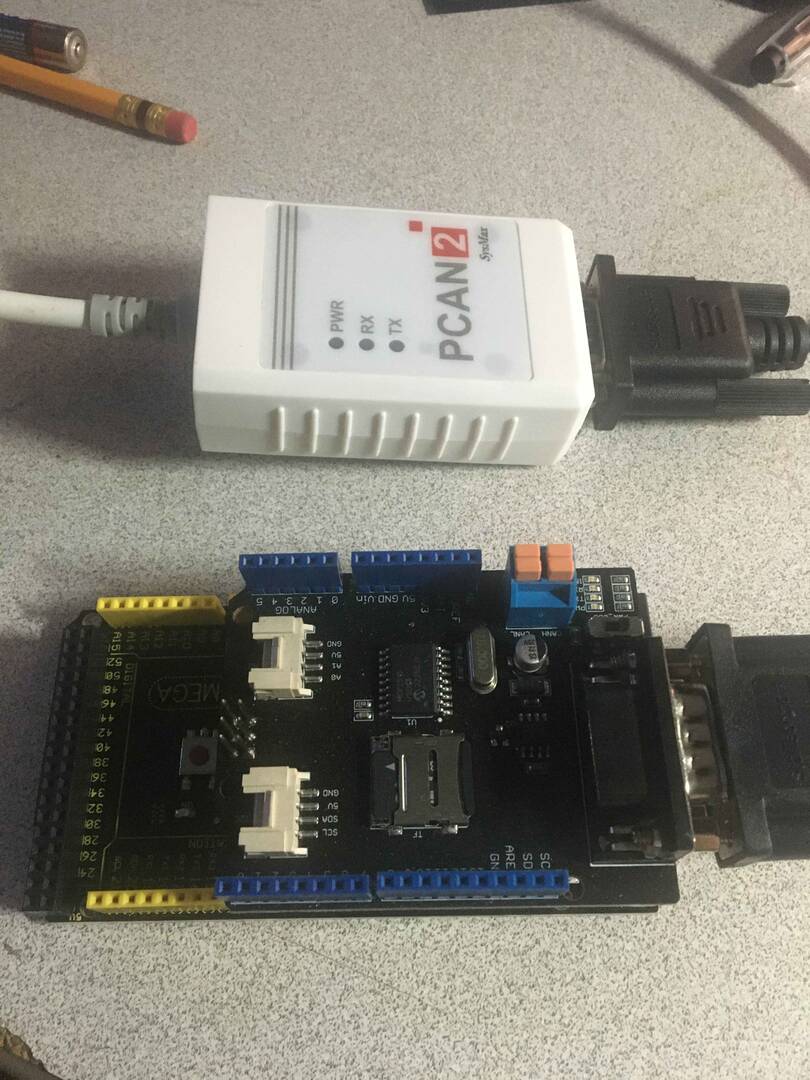
Now let me explain again the objective.
Get 2 devices identified and build an operating canbus.
Identify every step, every component, and all issues to get this canbus established so more learning can be forthcoming.
The build of this setup is just about getting the hardware setup and lessons learned. Doing the different operating systems is only by need, if i could i would use all linux but for now it's what works. after things are communicating and more learning is had using different setups will happen
For now its about 100 bucks to get to this point. When things are settled a component list will be established