

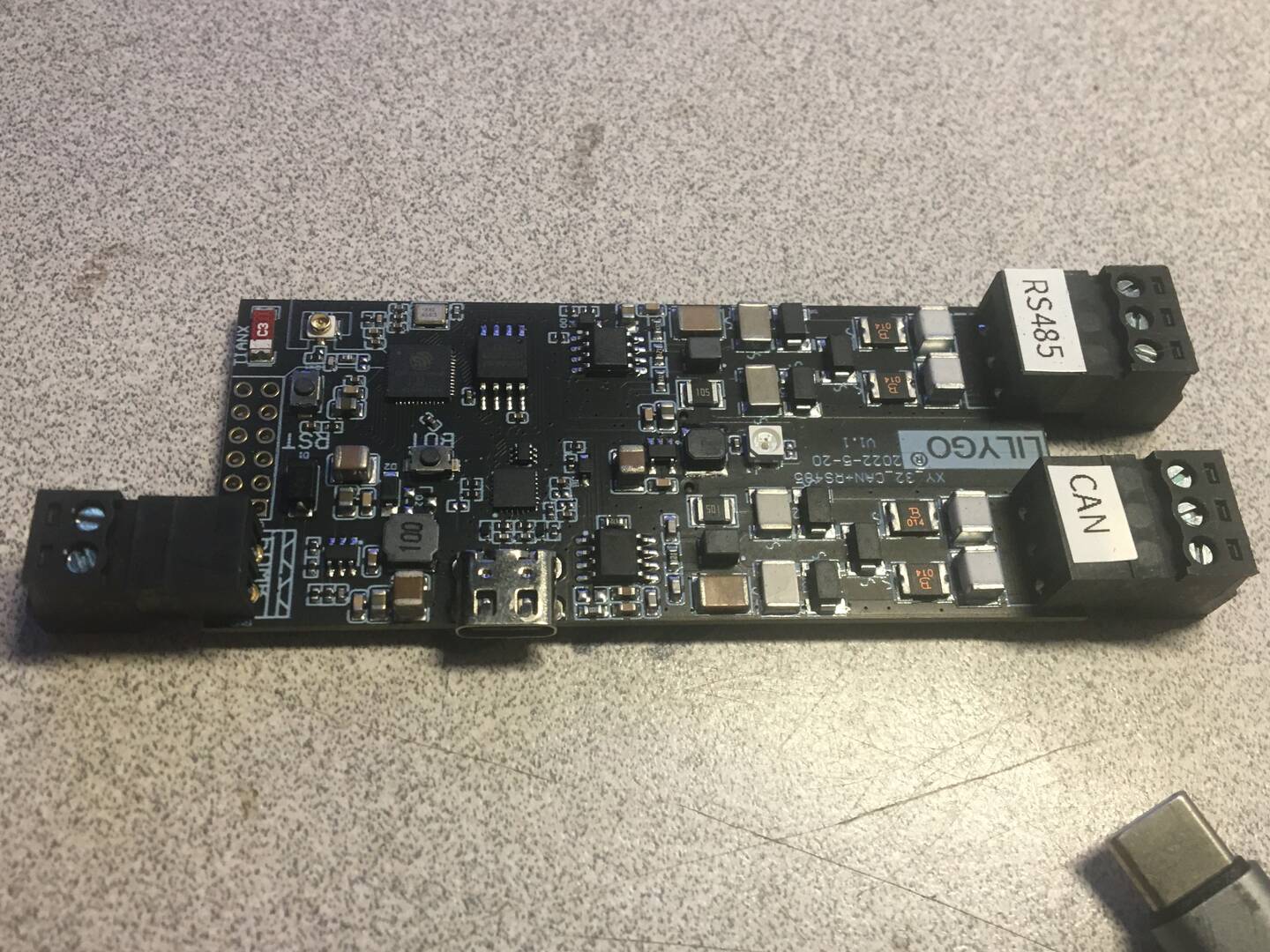
setting up Arduino IDE for lilygo 32
This is like trying to skin 4 cats at the same time
yes there are a lot of videos and posts on doing this task. Go Gett'em. Most just suck and the others are trying to sell you something because they are paid by the manufactures. When you start to realize it's impossible to understand what these geeks are saying come back and do STEPs with us. We hate google as much as microshit so expect to work around these if possible
1st I’m still learning linux (Mint)
2nd I an learning arduino ide and figuring out what development boards do what
3rd I am trying to understand and build a working canbus
4th The hardware I have purchased has to be cheap, that means it probably had no instructions and
will never work because it cam from china
5th I have no patience and don't like programming
This should start to build a picture of this task. My objective is to be successful and then post the steps so you can be also
Also. I will try to get AI to write the code to run all the features of this board
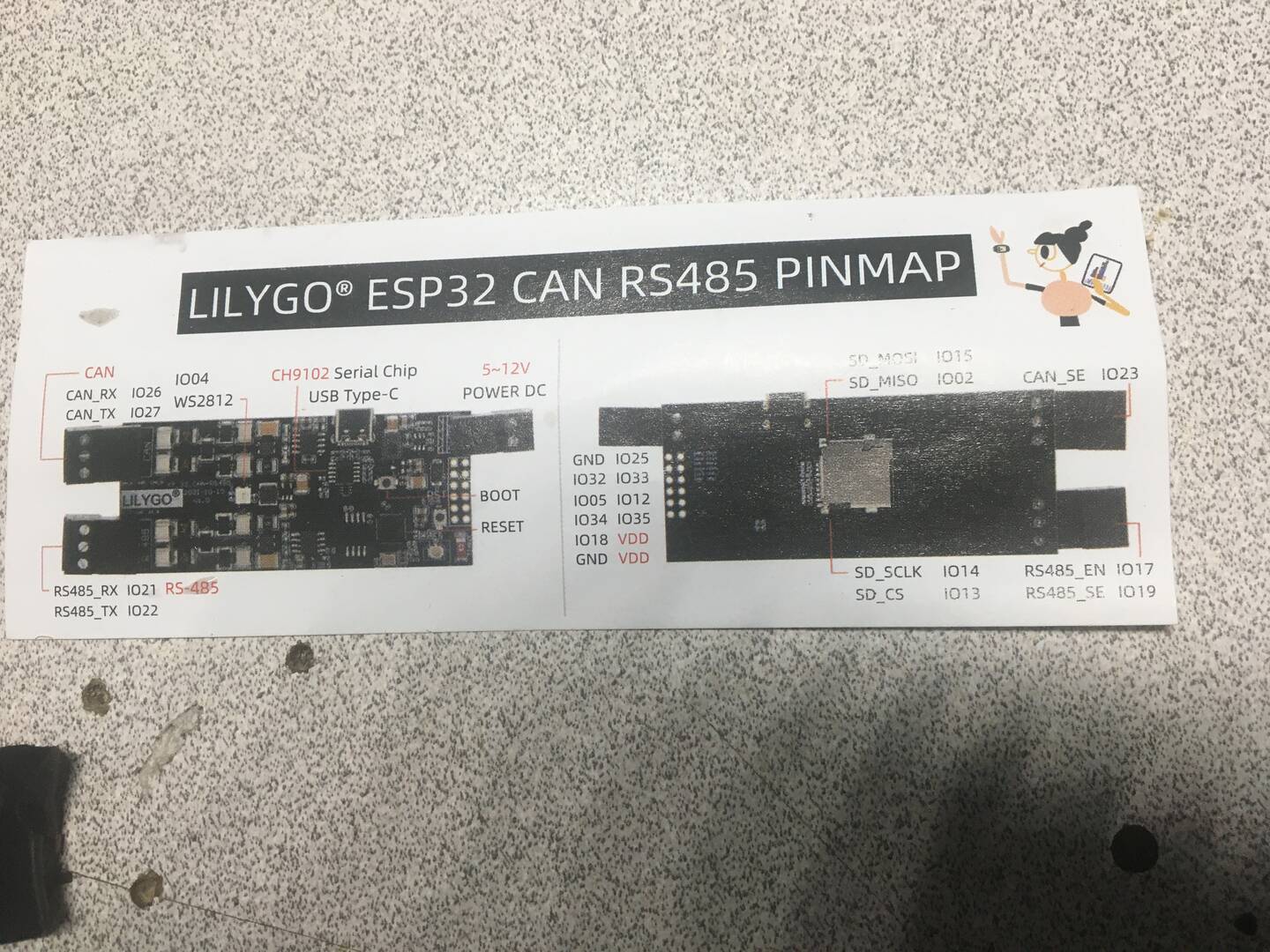
This is the website that identifies the board
https://github.com/Xinyuan-LilyGO/T-CAN485?spm=a2g0o.detail.1000023.9.bece490aW6aq5o
arduino ide board select
connect with board esp32 wrover module (got this after a few minutes searching and reading)
at this point you should be able to read what the board is
Success #1

Ok so I have had some success lets detail how we got her
Success #2 The board is alive and it can see my networks vis wifi
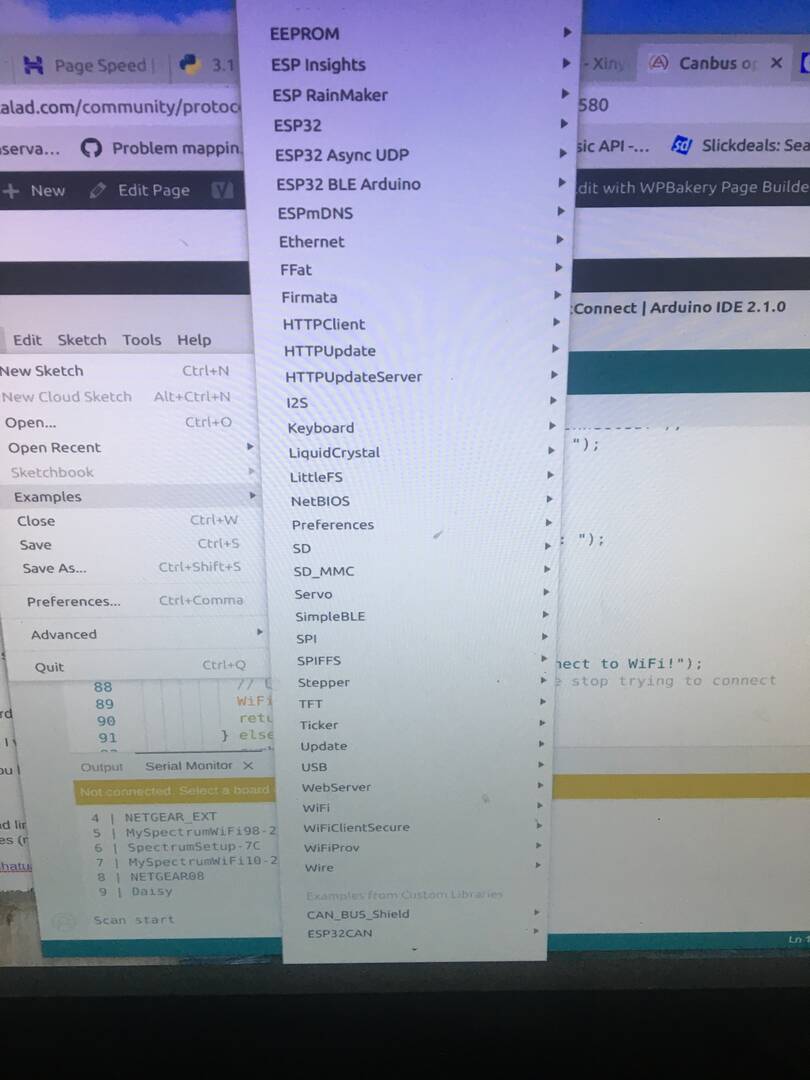
once I had connection I went to the Files/examples menu and ran a few items, like SD_TEST and
WiFiclient
connect You have to select the right baud rate 115200 and select serial monitor under tools to view results
building info base and links to files
this is the canbus files (not there yet)
https://github.com/nhatuan84/esp32-can-protocol-demo
This is the info page
These options should be present after adding abilities to the ide
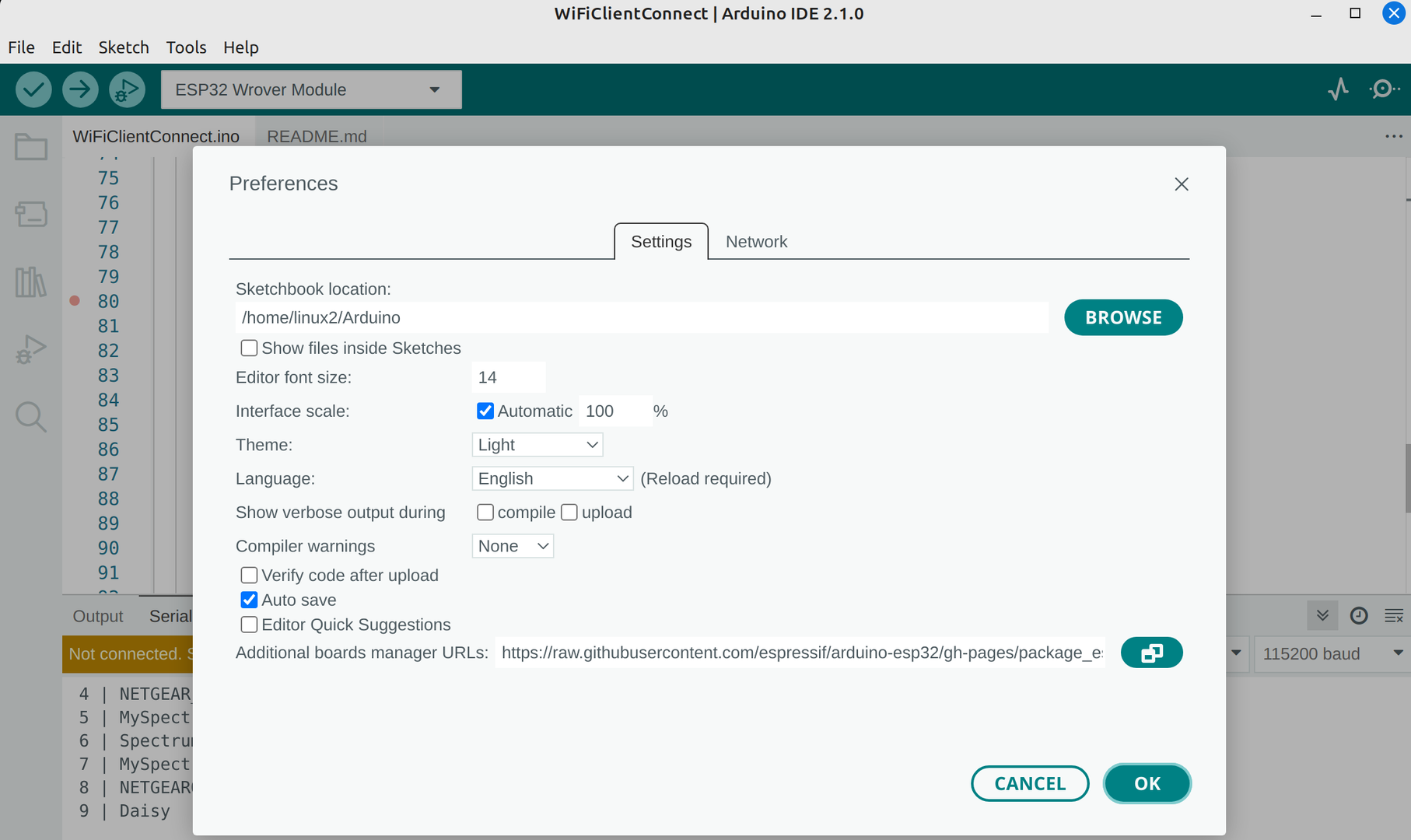
This is adding file location in the ide for the espresif32
If you are using V3 modules, you should change this line on CAN.c file:
from:
MODULE_CAN->IER.U = 0xff;
to
MODULE_CAN->IER.U = 0xef;