

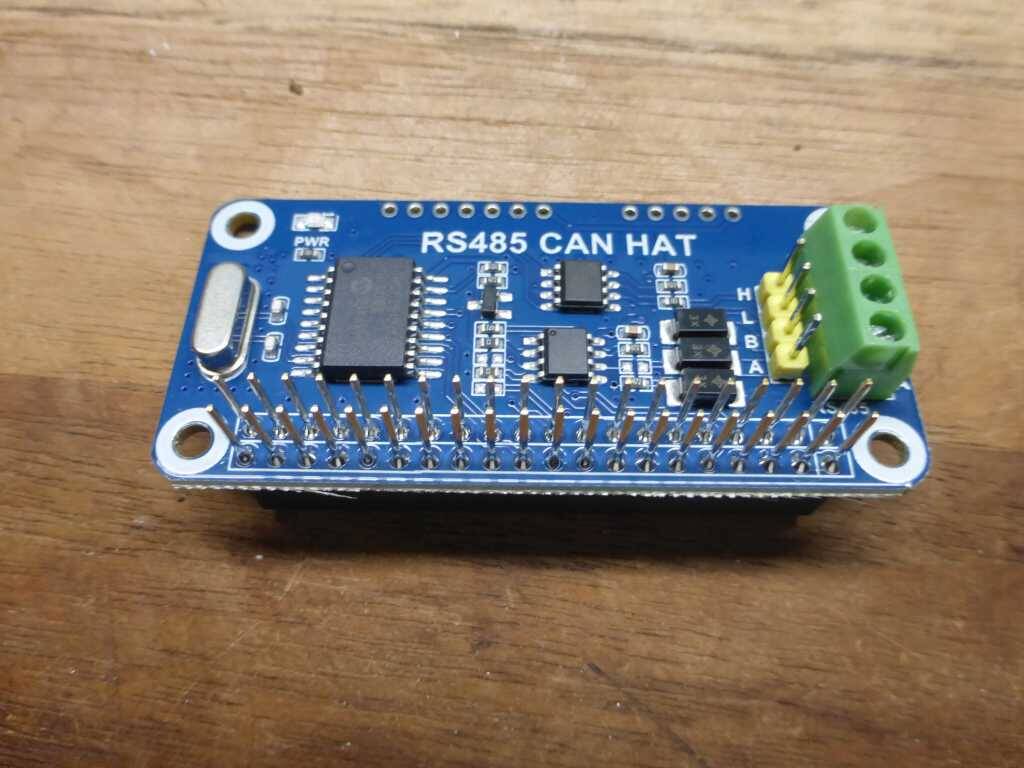
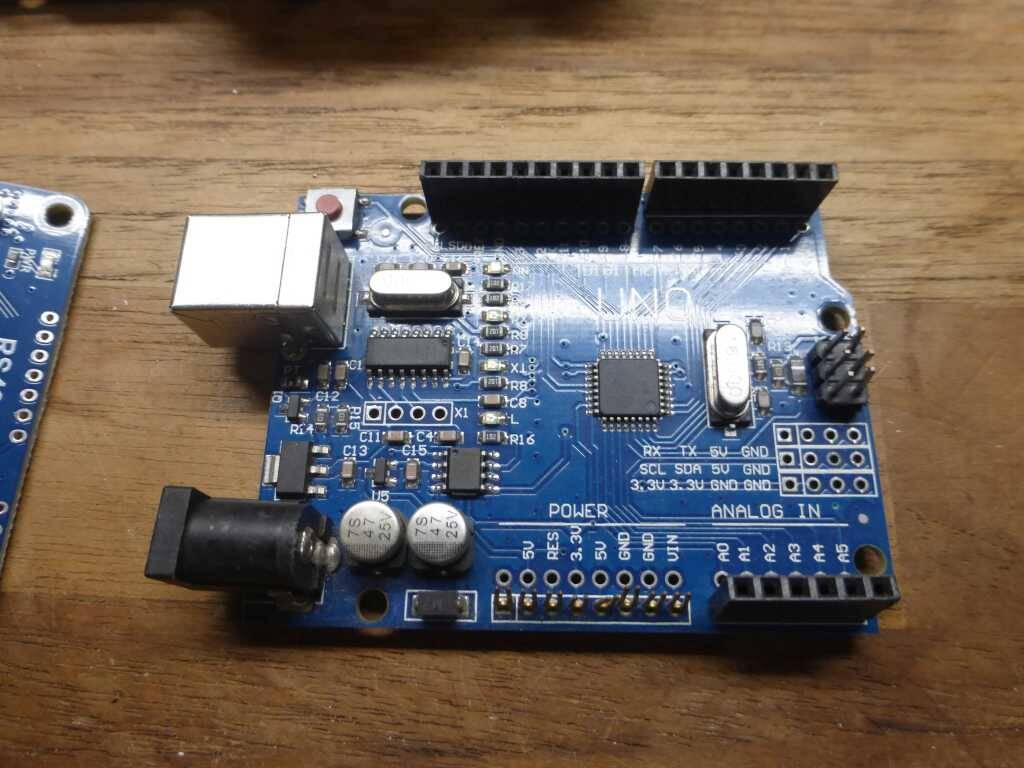
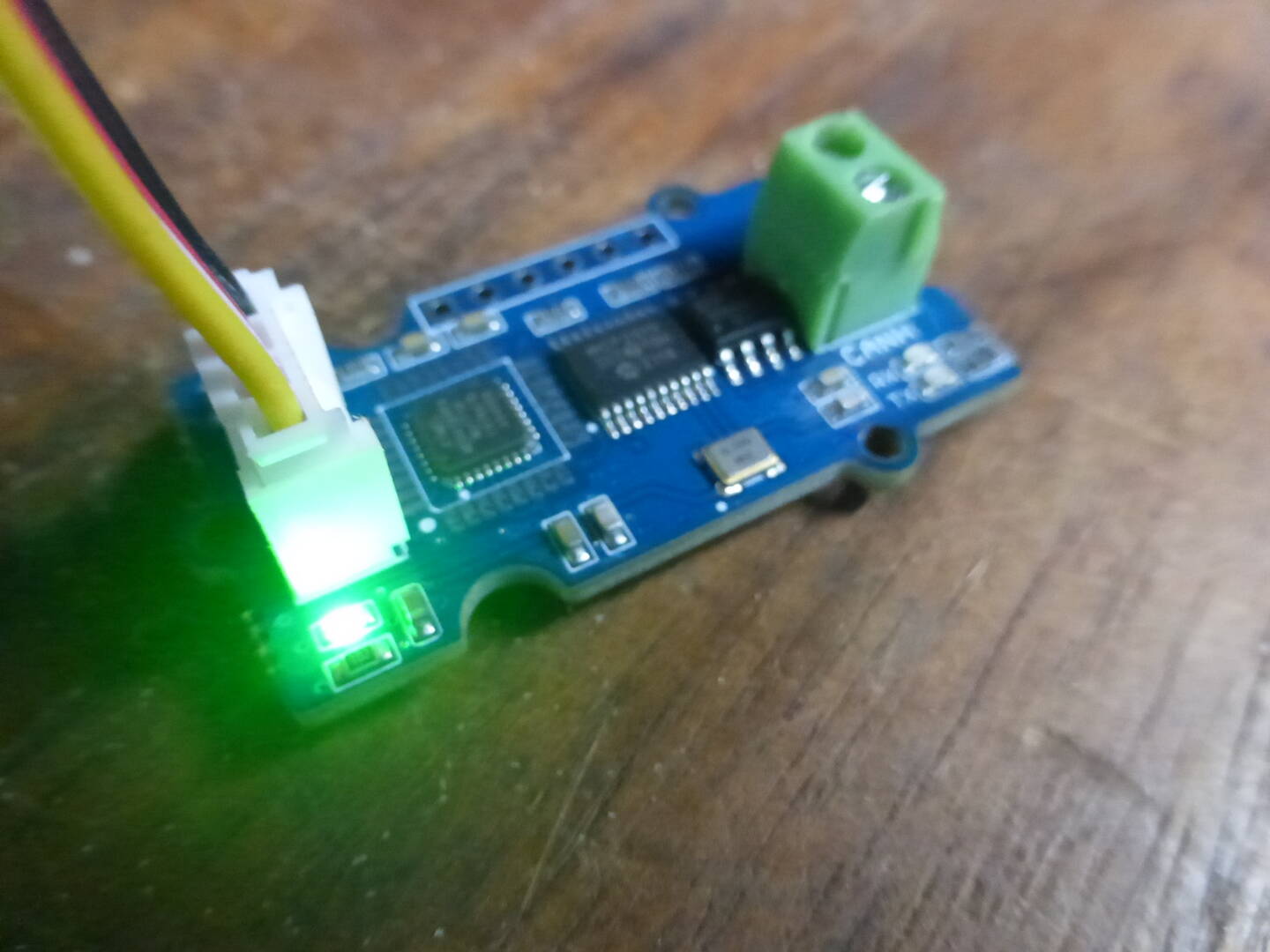
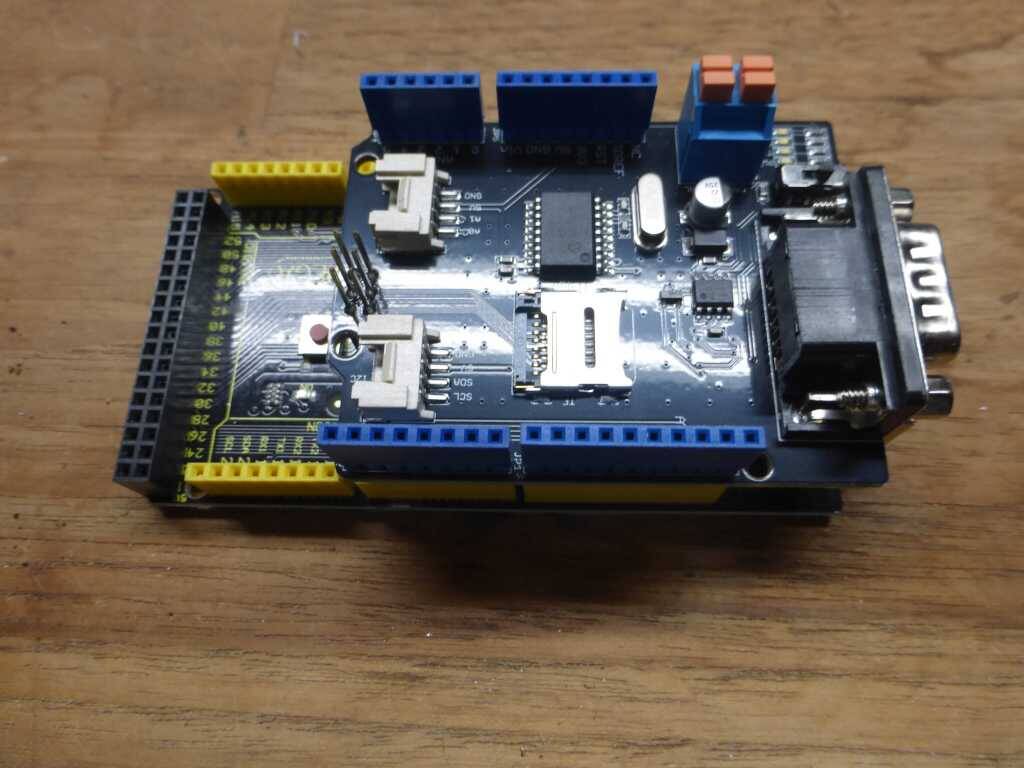
![IMG 0337[1]](https://forumla.us/wp-content/uploads/wpforo/attachments/1/762-IMG03371.jpg "IMG 0337[1]")
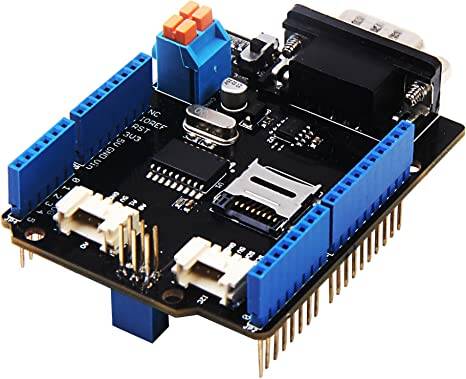
The idea was to hook up a couple can devices and analyze the data.
Turns out it's just not that simple and there's way to many players in the game. Every china chip manufacture has an offering and nobody has any support or instructions for their parts.
In the end if your able to get one of these devices to actually come online you only get a simple sent or receive
That's whats being offered up front, these components are so cheap it almost seems to easy
and of course like most of these products you will FAIL trying to get an understanding of how they work or if they work at all,
The missing parts are the interface UI and the controller. Yes there can be a physical connection but there needs to be a common language.
ODB2 is a common automotive protocol and NEMA2000 for marine but still these have different methods to communicate
This post is about bringing it all together, trying to expose the madness and get an actual functioning demonstrator
The first parts of this posting is to just identify working components and individual parts needed to build something, A display with an interface that's receives data, and allows for controlling a device from the data. A great example I have been trying to duplicates is an automotive dash instrumentation. It's been done but it's either to expensive or complicated.
The Next Challange is working on the top level of the can ISO/OSI 7-Layer Reference Model
https://copperhilltech.com/blog/guide-to-sae-j1939-can-bus-higher-layer-protocols/
The most popular higher layer protocols based on Controller Area Network are:
- CANopen
- DeviceNet
- SAE J1939
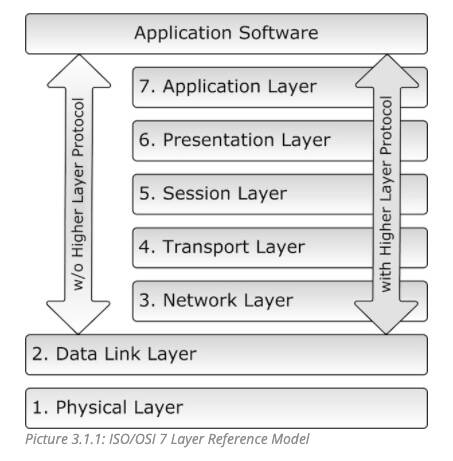
The CAN standard does not specify how to handle messages larger than 8 bytes or how to decode the raw data. Therefore, a set of standardized protocols are developed to further specify how data is communicated between ECUs of a given network and OBD2 is one of them.
The basis for higher layer protocols such as OBD2, CANopen, j1939
A CAN Network will consist of only two wires CAN High and CAN Low for bi-directional data transmission as shown above. Typically the communication speed for CAN ranges from 50 Kbps to 1Mbps and the distance can range from 40 meters at 1Mbps to 1000 meters at 50kpbs.
Format of CAN Message:
In the CAN communication the data is transmitted in the network as a particular message format. This message format contains of many segments but two main segments are the identifier and data which helps to send and respond to messages in CAN bus.
Identifier or CAN ID: The identifier is also known as a CAN ID or also known as PGN (Parameter Group Number). It is used to identify the CAN devices present in a CAN network. The length of the identifier is either 11 or 29 bits based on the type of CAN protocol used.
Standard CAN: 0-2047 (11-bit)
Extended CAN: 0-229-1 (29-bit)
Data: This is the actual sensor/control data that has to be send from one device to another. The size data can be anywhere from 0 to 8 bytes in length.
Data Length Code (DLC): 0 to 8 for the number of data bytes present.
Wires used in CAN:
CAN protocol consist of two wires namely CAN_H and CAN_L to send and receive information. Both the wires acts as a differential line, meaning the CAN signal (0 or 1) is represented by the potential difference between CAN_L and CAN_H. If the difference is positive and larger than a certain minimum voltage then it is 1 and if the difference is negative it is a 0.
Normally a twisted pair cable is used for CAN communication. A single 120-ohm resistor is generally used at the two ends of the CAN network as shown in image, this is because the line needs to be balanced and tied to same potential.
Comparison of CAN over SPI & I2C
Since we have already learnt how to use
(Must read) SPI with Arduino and IIC with Arduino, let us compare the features of SPI and I2C with CAN
| Parameter | SPI | I2C | CAN |
| Speed | 3Mbps to 10Mbps | Standard: 100Kbps | 10KBps to 1MBps Also depends upon length of wire used |
| Fast: 400 Kbps | |||
| Highspeed:3.4Mbps | |||
| Type | Synchronous | Synchronous | Asynchronous |
| Number of Wires | 3+ (MISO, MOSI, SCK, SS1, SS2…SS(n)) | 2 wires (SDA, SCL) | 2 wires (CAN_H, CAN_L) |
| Duplex | Full Duplex | Half Duplex | Half Duplex |
CAN Protocol Applications
- Because of the robustness and reliability of CAN protocol, they are used in industries like Automotive, Industrial machines, Agriculture, Medical Equipment etc.
- As wiring complexity is reduced in CAN they are mainly used in automotive applications like car.
- Low cost to implement and also hardware components price is also less.
- Easy to add and remove the CAN bus devices.
Moving to the UI development required purchasing other canbus devices. There are a few heavy hitters in this development level. Moving on to trying to design a touch screen interface ment finding softwre. Well there are a couple offerings that are very reasonable in price, actually Free in some cases, but you need to use their devices.
I sourced 2 devices from 2 manufactures These are standards and you will see them everywhere
there are more and I will cover them as I go, but like these you kinda have to purchase their stuff to
work with their software
KVASER Leaf Light HS V2 CAN Bus Network USB D-Sub KV-00685-0 Interface semipro (expensive found used)
i-PCAN USB to CAN Adapter Compatible Original PEAK IPEH-002022 Support INCA (cheap working clone)
A major player and maybe the best resource to get a better understanding is https://www.csselectronics.com/ They have a great software bank also.
Remember there has to be a complete system, we want to be able to recieve data from a sensor, display it and then have the controller respond with adjustments